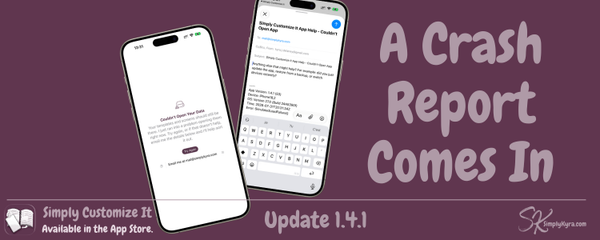
Simply Customize It! Simply Customize It 1.4.1: A Crash Report Comes In An email about a crash led me down a rabbit hole this week... a data container issue, a syncing fix I didn't know I needed, and some old code still looking for a feature that never made it to the database. Here's what changed and why.
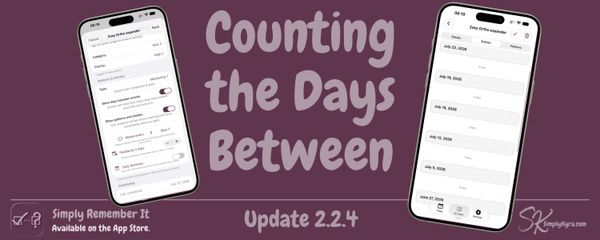
Simply Remember It Simply Remember It 2.2.4: Counting the Days Between This update came from a very specific problem: an orthodontist expander on a twice a week schedule and me counting backward every time. Now the app counts for me.
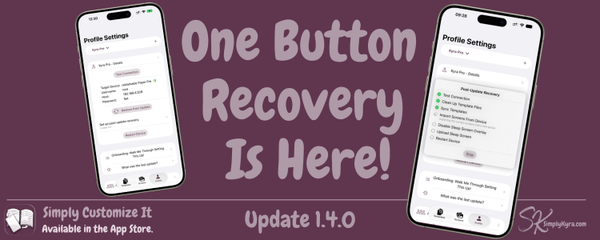
Simply Customize It! Simply Customize It 1.4.0: One Button Recovery Is Here 1.4.0 finally makes 'one button recovery' true: set it up once per device and let it clean up, sync, and restore everything reMarkable's updates undo.
Simply TBR Simply TBR 1.1.3: Still Within Reach A patch born from actually using the app: Exit Ceremony links that stay tappable, Author Watch that finally shares your NetGalley login, and genre filtering that's easier to search and select.
Simply Customize It! Simply Customize It 1.3.0: Easier to Keep Tidy A pile of my own templates finally pushed me to add multi-select delete and better browse info, and along the way I fixed a handful of other things worth sharing, including a smoother way to trust your reMarkable when it updates.
Simply TBR Simply TBR 1.1.2: Reaching the Right Network A Humble Bundle purchase led to testing OPDS import, which led to fixing a demo-link mix-up and adding local network permission, plus a speed boost for NetGalley Author Watch.
Simply Remember It Simply Remember It 2.2.3: Small Fixes, Bigger Foundation Small but passing on some fixes sooner rather than later.
Simply TBR Simply TBR 1.1.1: Seeing It for the First Time A proper welcome flow for new installs, book covers that follow your accent color, a tidier Settings menu, and a fix for a false "confirm changes" prompt.
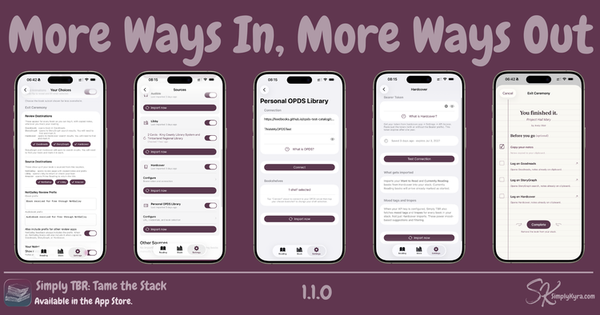
Simply TBR Simply TBR 1.1.0: More Ways In, More Ways Out This update grew out of one reader's question about importing their self-hosted library. It adds OPDS and Hardcover as Connected sources, StoryGraph and Hardcover as free places to log finished books, and steadier NetGalley and Libby imports along the way.
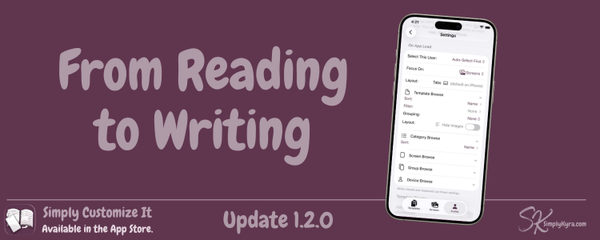
Simply Customize It! Simply Customize It 1.2.0: From Reading to Writing Working on Simply TBR left me thinking about what Simply Customize It was missing and the answer turned out to be saved defaults. This update brings that over along with a subscription fix and a handful of smaller improvements.
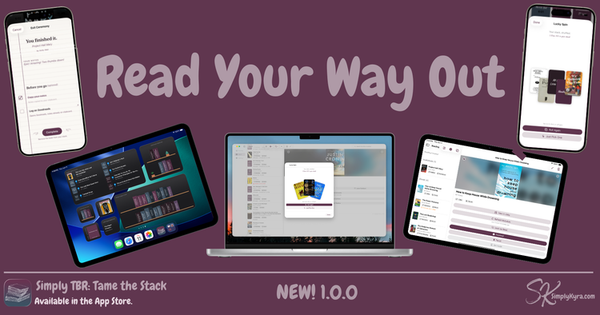
Simply TBR Simply TBR 1.0.0: Read Your Way Out I found out I'd missed book two of a series I love... then discovered I already owned it. It had been sitting unread for months. So I built an app to make the pile visible.
Simply Customize It! Simply Customize It 1.1.1: Answering an Email An email from a new user led me to a crash that was quietly affecting everyone... along with some minor fixes.
Simply Remember It Simply Remember It 2.2.2: The Quiet Fixes What started as an accessibility audit checklist item turned into a deeper look at the whole codebase. Formal accessibility support is now listed on the App Store product page plus a handful of fixes that came along for the ride.
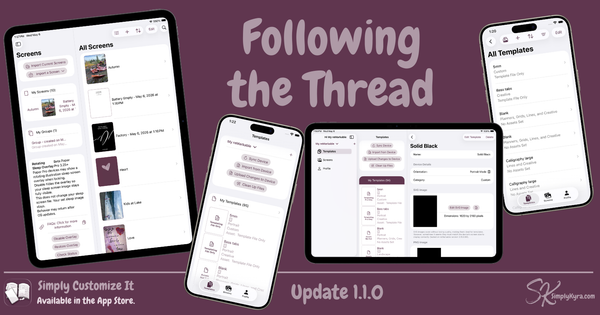
Simply Customize It! Simply Customize It 1.1.0: Following the Thread This started as an accessibility audit and turned into something bigger. Onboarding is shorter, browse views have new image toggles, accent colors behave everywhere, and the reMarkable Paper Pure is now on the device list.
Simply Match It Simply Match It 1.1.1: A Better Welcome This update brings proper onboarding, a sample board for new players, VoiceOver accessibility fixes, and a handful of polish updates that make Simply Match It feel more complete.
Simply Uncover It Simply Uncover It 1.1.1: Built for Everyone What started with an accessibility audit turned into a more complete pass than I expected. I already had dark mode toggle-able but now we have VoiceOver and reduced motion.
Apple Demystifying Apple Development: What It Actually Takes to Ship an App There are a lot of tutorials out there. What's harder is finding someone to show you what happens after that... the configuration, signing, permissions, and the part where you try to upload your first build and have absolutely no idea where it goes or why it's mad at you. That's what this is.
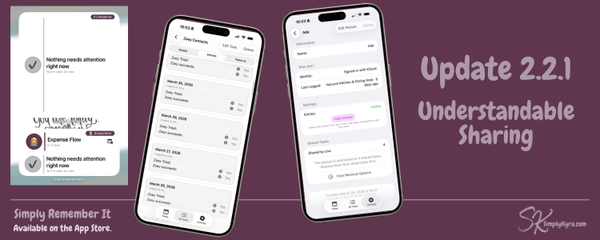
Simply Remember It Simply Remember It 2.2.1: Understandable Sharing 2.2.1 came from something real: testing sharing with my own family and seeing exactly what needed fixing. This patch includes ability to rename people, widget filtering, incoming task defaults, and a few quieter things that are just better now.
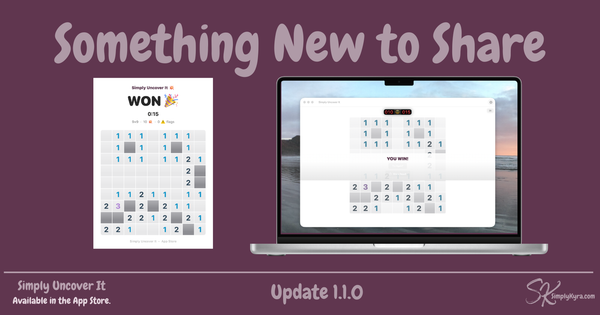
Simply Uncover It Simply Uncover It: Something New to Share What started as a code audit turned into a round of quiet fixes... plus a new way to share your results when you finish a game.
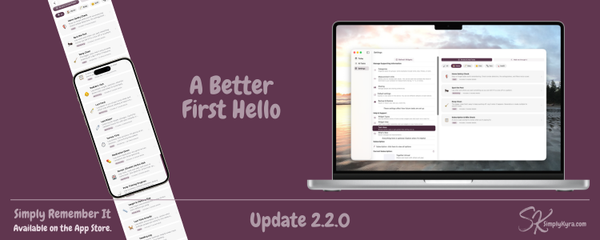
Simply Remember It Simply Remember It 2.2.0: A Better First Hello Instead of explaining what Simply Remember It does, the new onboarding shows you what it can do for you. That's a small shift that changes everything.
Simply Customize It! Simply Customize It 1.0.25: The Fix That Needed Fixing Thanks to an email I realized my previous audit quietly broke both upload and download for single screens. That's now fixed in 1.0.25 along with a handful of small polish improvements.
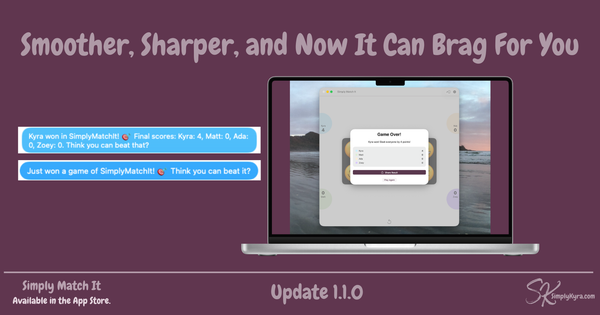
Simply Match It: Smoother, Sharper, and Now It Can Brag For You A code audit turned into a quiet round of polish and one small feature I almost didn't add but I'm most glad I did.
Simply Customize It 1.0.24: A Quiet One A quiet maintenance release... internal code cleanup and a crash fix for macOS and iPad sidebar navigation.
Simply Remember It 2.1.0: Remember It... Together The biggest update since 2.0... and the one I've been quietly building toward.
Simply Customize It 1.0.23: Image Orientation Fix A PNG image can look perfectly upright on your Mac, iPhone, or iPad... and still appear sideways on your reMarkable. This update fixes that, quietly and automatically, the moment you import the file.