
Simply TBR 1.5.0: Find It, Then Make It Yours

I came across a Reddit question, not sure where it went, that, I think, asked about adding books to a wishlist on Libby. I hadn't actually implemented a wishlist as I don't want to overcomplicate the app... but that led me to adding a Find It button to books that don't already link back to Libby or NetGalley... and then to thinking about where a book you don't own yet should live in your stack... and that ballooned into this whole update.
Find It
What Already Existed
Before the Find It button Simply TBR already had three ways to link to a book source.
- Any book imported in from NetGalley had both a View Listing and a Leave Feedback button that took you directly to the NetGalley page or its feedback form without needing to browse.
- Any book imported from your Libby holds or loans had a View in Libby button that did the same.
- Whether you had a subscription (for the above imports) or not I'd also added a source URL field when editing a book that, if set, added an Open Link button to your book's display. This worked with any book, even ones from NetGalley or Libby above.
What's New
Now every waiting book that isn't already linked with NetGalley or Libby gets a Find It button. So whether you scan a book while browsing or type one in by hand, it won't just sit there.
For these books you can now tap the Find It menu under the title and then pick a place (like Libby or Bookshop) and Simply TBR opens a link to search for that book. It also copies the title and author on the way out, so if you'd rather look somewhere I haven't listed you can paste it right in. And if copying is all you want, there's a Copy Title & Author option at the bottom.
Find It is free for everyone. It's only links, so there's nothing to unlock.
What Shows Up in the Menu
I didn't want a long list of places you never use, so the menu follows your stack and your Source Settings.
Bookshop will always be there. Libby, Amazon, Hardcover, and NetGalley show up if you have that kind of book in your stack or if that source is switched on in Source Settings.
NetGalley has one more rule. It only appears for newer books... ones published from last year onward, ones that aren't out yet, or ones with no publication date.
If you'd like a shorter menu you can switch a source off in Settings under Source Settings. Those switches are free to change with no subscription needed.
Not Mine Yet
Simply TBR is about books you can start now or soon... it wasn't meant to be a wishlist and was originally created to see all your electronic and physical books and audiobooks all in one place. That said, with the Find It addition, I started thinking about adding books you'd love to read but don't have yet, and so added one more source: Not Mine Yet. Just pick it under the book's Source when adding or editing a book. You can pair it with Find It to see where to borrow or buy the book whenever you're ready.
The Not Mine Yet books stay out of your way. Lucky Spin skips them by default... but if you want them included you can toggle a switch to Include Not Mine Yet under Settings, Your Choices, Lucky Spin. Widgets follow whichever settings you use when you set and edit them, so they can be excluded there too.
When It Becomes Yours
Most of the time you won't need to do a thing. When an import finds a book you've marked Not Mine Yet it switches it over for you and, if Libby or NetGalley, updates to that source so Find It goes away. Hardcover and a plain CSV import are both the exception to this. Hardcover's Want to Read shelf is a wishlist, not a copy you have, and a CSV doesn't say where a book came from.
Additionally, you can also switch it yourself anytime by editing the book one by one or by selecting several books in your Stack and changing them all at once.
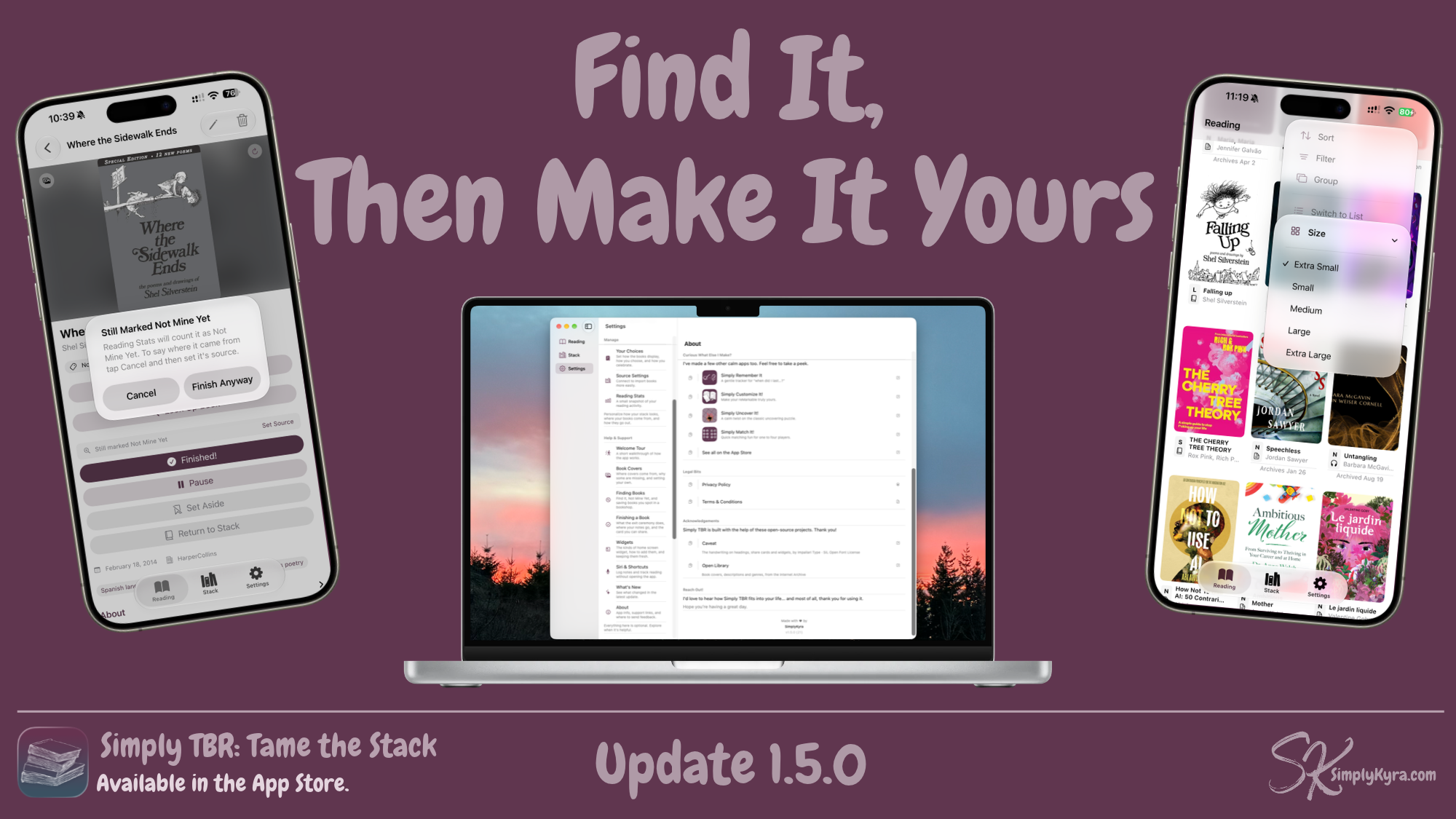
I also added a reminder in case it's forgotten. Once you start reading a Not Mine Yet book, a Set Source shortcut shows right above the Finished! button. And if it's still not set when you finish the book, you'll get a quick heads up first so your Reading Stats show where the book really came from.
A Few Smaller Things
During this process I made some minor updates and changes including adding to the About section both to show my other apps but also credit both the font and Open Library I use.
I also added, to both Reading and Stack sections, a way to resize your image grid quicker and refreshed the help text. The finishing celebration section in Settings now has its own spot separated out and shows what's available better if and when Reduce Motion is turned on.
As always if anything ever feels off, or there's a place you'd love to see in the menu, please reach out. I'd love to hear from you.
— Kyra 💕
Did this save you time?