
A Heads Up Before Your Next Simply Customize It Update

Two people emailed me recently about Simply Customize It suddenly not opening. I dug into it and it turned out to be a local data corruption bug... one I can't fix. The only path forward, if it hits you, is deleting the app and reinstalling it.
Here's the part that matters most: your templates and screens live beyond the app.... on your reMarkable itself. The app just manages them. So even in the worst case, nothing you've built is gone... it's just a matter of reconnecting.
I know I'm not always great about opening the app regularly myself. When there's no code upgrade it's usually only when my reMarkable updates and I need to upload my favorite sleep screen and fix my templates. So before your next update, or even right now, take a second to make sure your templates and screens are currently showing up on your device... then go ahead and update the app as usual.
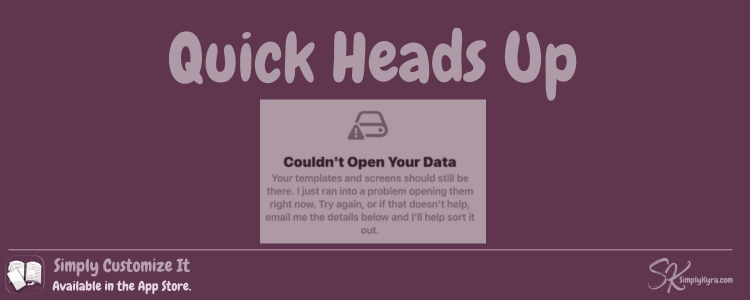
If you do hit this bug, you'll see a screen like this:
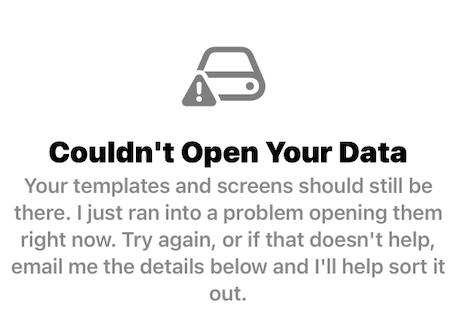
If that ever shows up unexpectedly... not right after this post, but down the road... feel free to email me anyway. It's worth ruling out that something else isn't going on. But if it's this known issue, the fix is simple: delete the app, reinstall from the App Store, and re-import your templates and screens straight from your reMarkable. Since your device already has everything, that re-import should be quick.
For most of you, this will just be a two-minute check and nothing more. I just wanted you to have the heads up before it caught you off guard.
— Kyra 💕
If you prefer a video version:
Did this save you time?