
Simply Remember It 2.0.1: A Small, Calmer Update

As I continue using Simply Remember It day to day, I keep finding small ways to make it clearer and calmer. This update reflects a few of those adjustments that make logging feel smoother and less distracting.
Nothing new to learn. Just a few things that were getting in the way.
What changed
Clearer logging
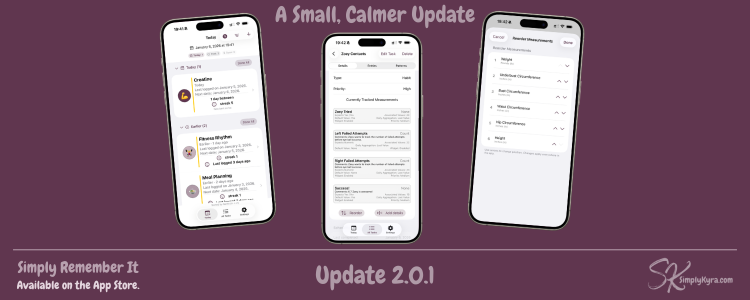
When logging a task from the Home screen, it’s easy to forget what you were working on... especially if you’re multitasking. The task name is now shown while logging, so it’s easier to stay oriented.
Measurements, tidied up
Measurement values are now cleared when switching between measurement types, making it easier to adjust without friction.
If you log multiple measurements in a row, you may have noticed they didn’t always appear in the same order. Measurements now have a default order and and you can reorder them to match what feels right for you. That order is used consistently when logging and viewing.
Less friction in setup
Onboarding text and section names were updated to feel calmer and clearer, especially when starting fresh.
iPad polish
I primarily test on iPhone and Mac, and recently noticed that buttons on the task screen felt a little too close to the main tab bar on newer iPads. Spacing has been adjusted so everything feels more comfortable and easier to use.
Why this update exists
As I use the app myself, I keep noticing small moments where something feels slightly harder than it needs to be. This update is about removing those moments.
No new pressure.
No new expectations.
Just fewer distractions when you’re trying to remember something.
If you notice anything that still feels off, I’m always listening. You can comment here or email me anytime.
Simply Remember It grows best when it stays quiet, useful, and out of your way.
Here’s to remembering more and stressing less.
— Kyra
Did this save you time?