Simply Uncover It - Press Kit
Contact: Kyra Delaney - mail@simplykyra.com
Fact Sheet
- App: Simply Uncover It
- What it is: A calm, ad-free Minesweeper variant. Clear the board without hitting a mine with added customizable board size, mine count, and icon colors for players who want more than the classic setup.
- Price:Price:
- Free to start. Includes: 9x9 board with 10 mines, flag-via-long-press, flag button toggle in settings.
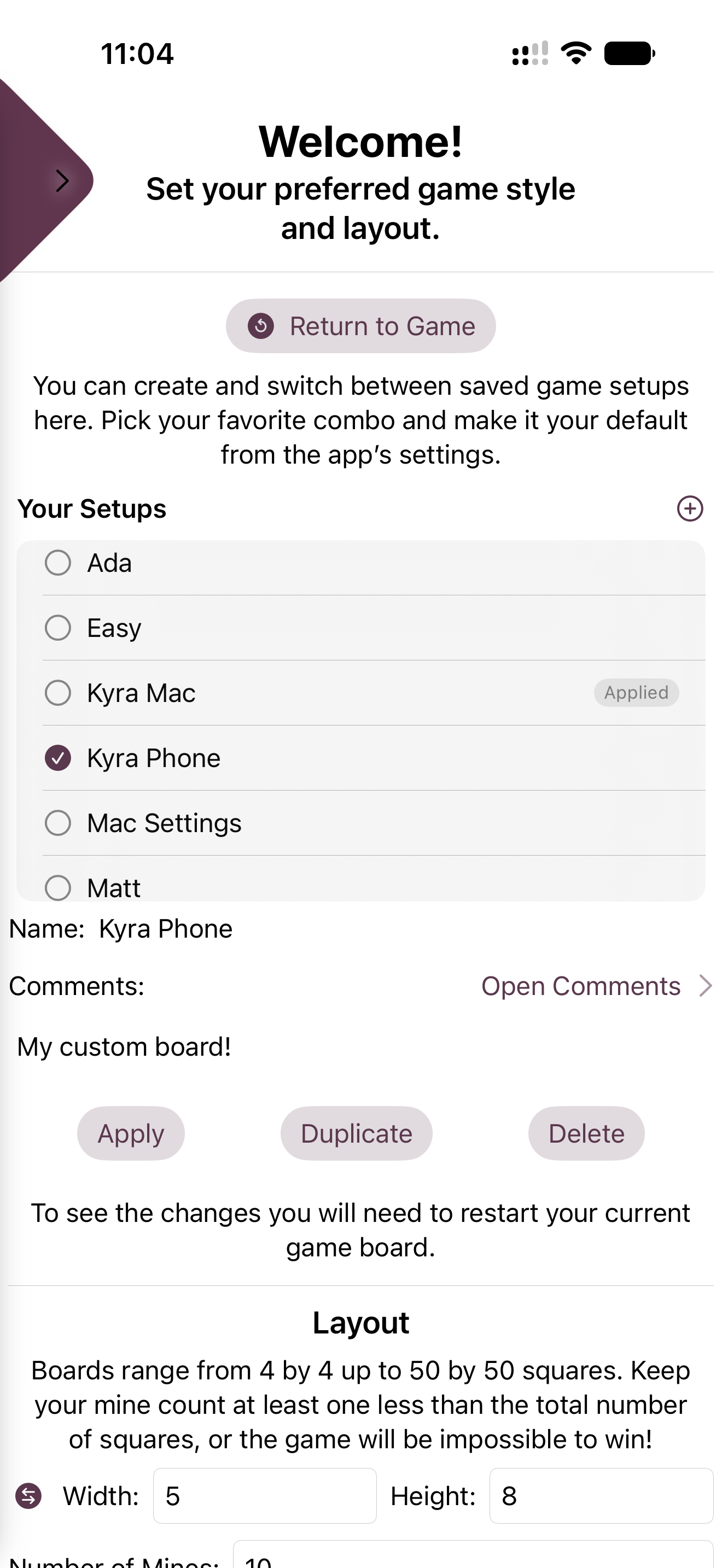
- Premium (Monthly $0.99 with 3-day free trial, Yearly $5.99 with 1-week free trial, or Lifetime $14.99) unlocks: custom board size up to 30x30, adjustable mine count, custom mine icons, custom flag icons, custom number colors, saved settings profiles per device, and status bar toggle.
- Platforms: iPhone, iPad, and Mac · iOS 17.0 or later, macOS 14.0 or later
- Release date: February 7, 2025
- Developer: Kyra, SimplyKyra LLC, based in the Pacific Northwest
- App Store: https://apps.apple.com/us/app/simply-uncover-it/id6741166529
- Website: https://www.simplykyra.com/simply-uncover-it/
About Simply Uncover It
Simply Uncover It is a calm-tech take on the classic Minesweeper one self-contained puzzle board at a time, meant for a short, focused reset rather than a competitive score chase. No ads, no clutter, just the logic.
The idea came from a Hacking with Swift Minesweeper livestream Kyra took part in then her kids spotted it and were hooked, which is what led to building in the customization: board size, mine icons, flag icons, and number colors, so each family member can set up a board that feels like their own. The poop-emoji mine option came from her younger one.
The free tier is a full 9x9 classic board but it's not a stripped-down demo simply a baseline experience. Premium adds room to grow with bigger boards, custom icons and colors, and saved profiles so the same device can hold an "easy" board and a "hard" one for different players.
Key Features
- Classic 9x9 free board, no ads, no score tracking
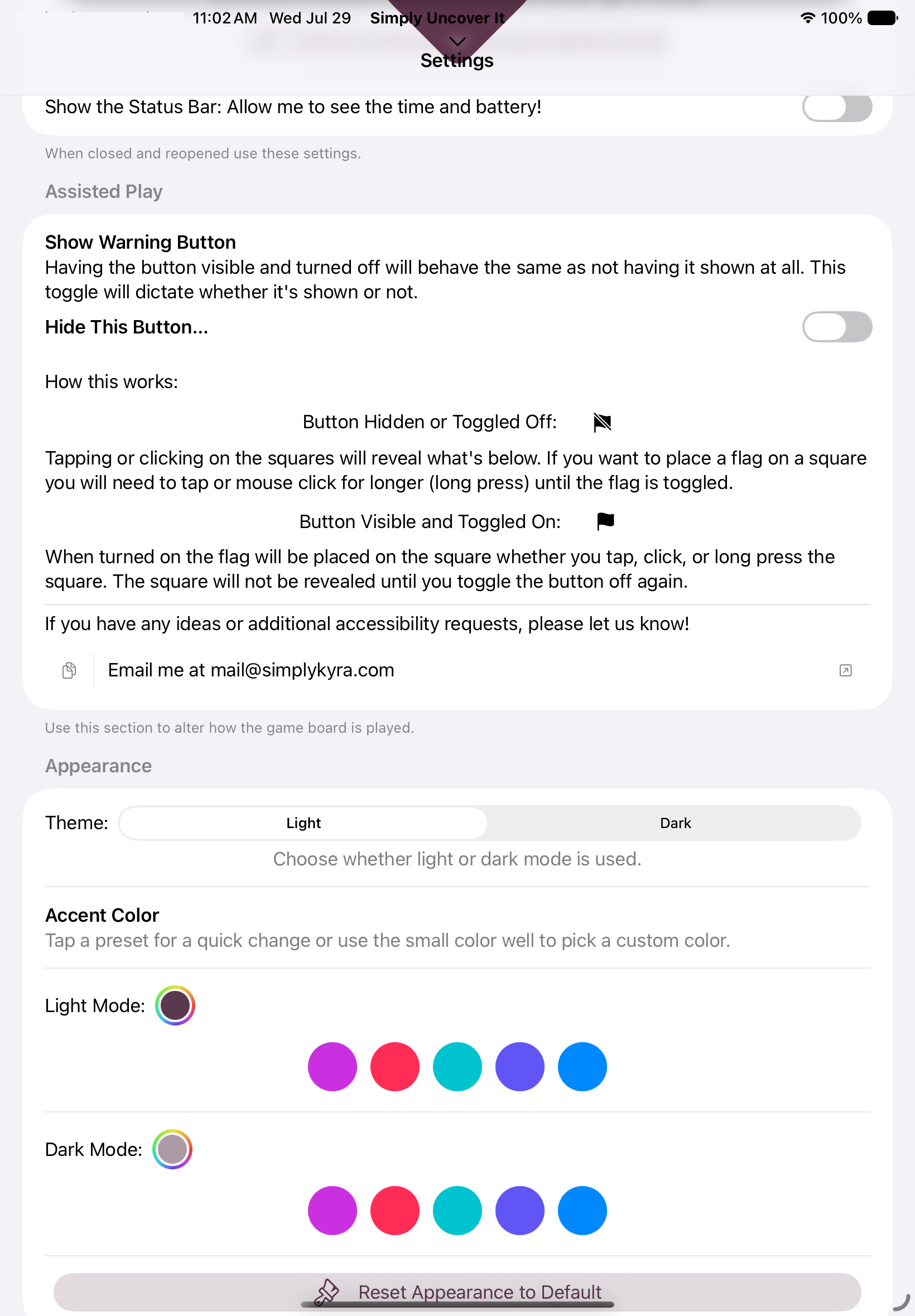
- Flag via long press, with a flag button toggle for accessibility
- Premium: board size up to 30x30, adjustable mine count
- Premium: custom mine icons, flag icons, and number colors
- Premium: multiple saved settings profiles per device... great for families
- Status bar visibility toggle
- No analytics or data collection. CloudKit is used only to sync settings
Images
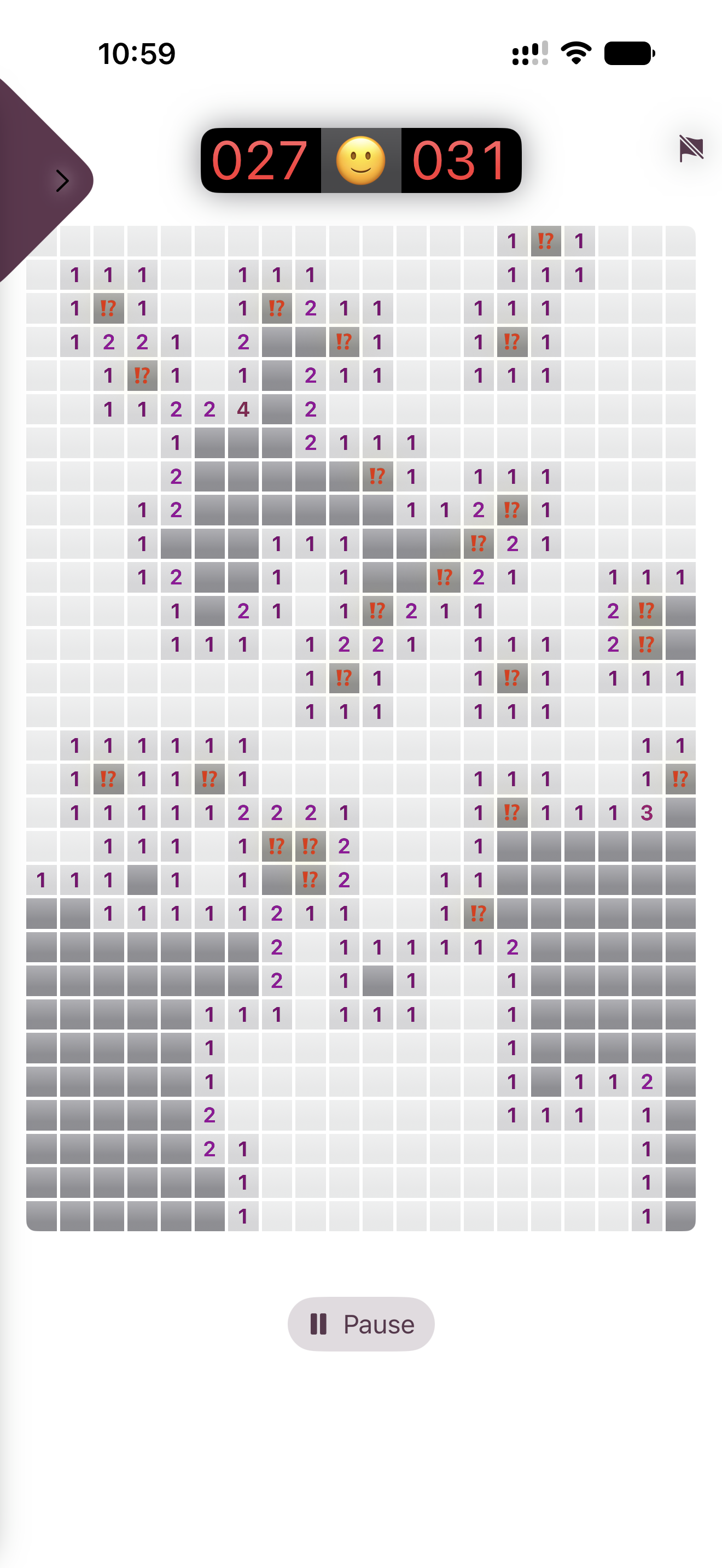
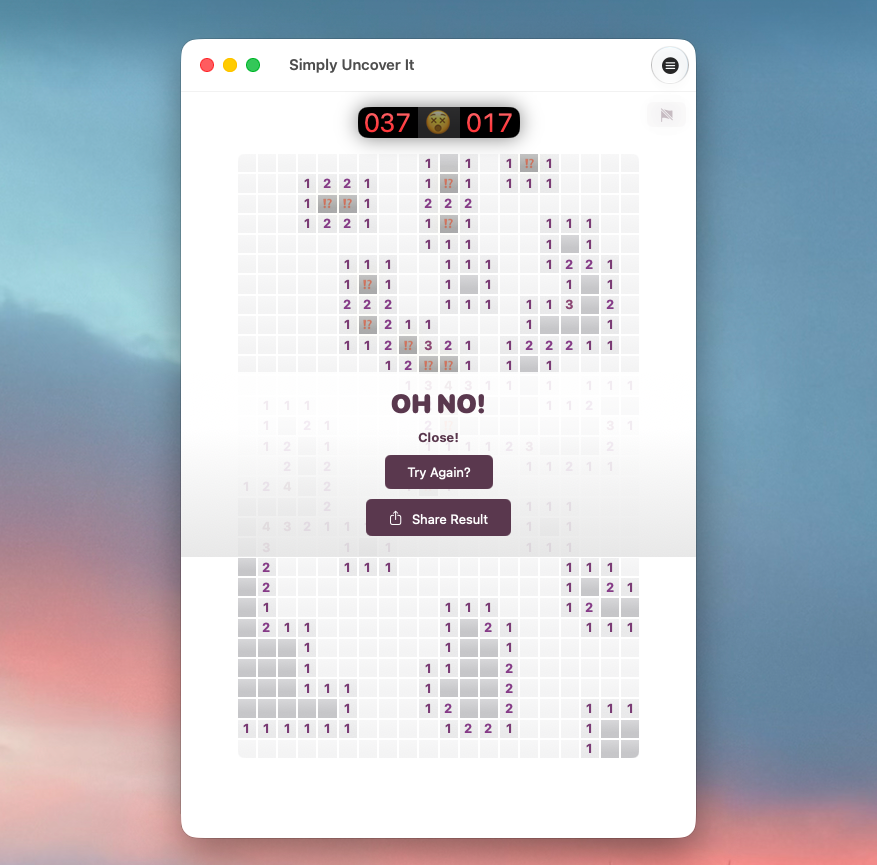
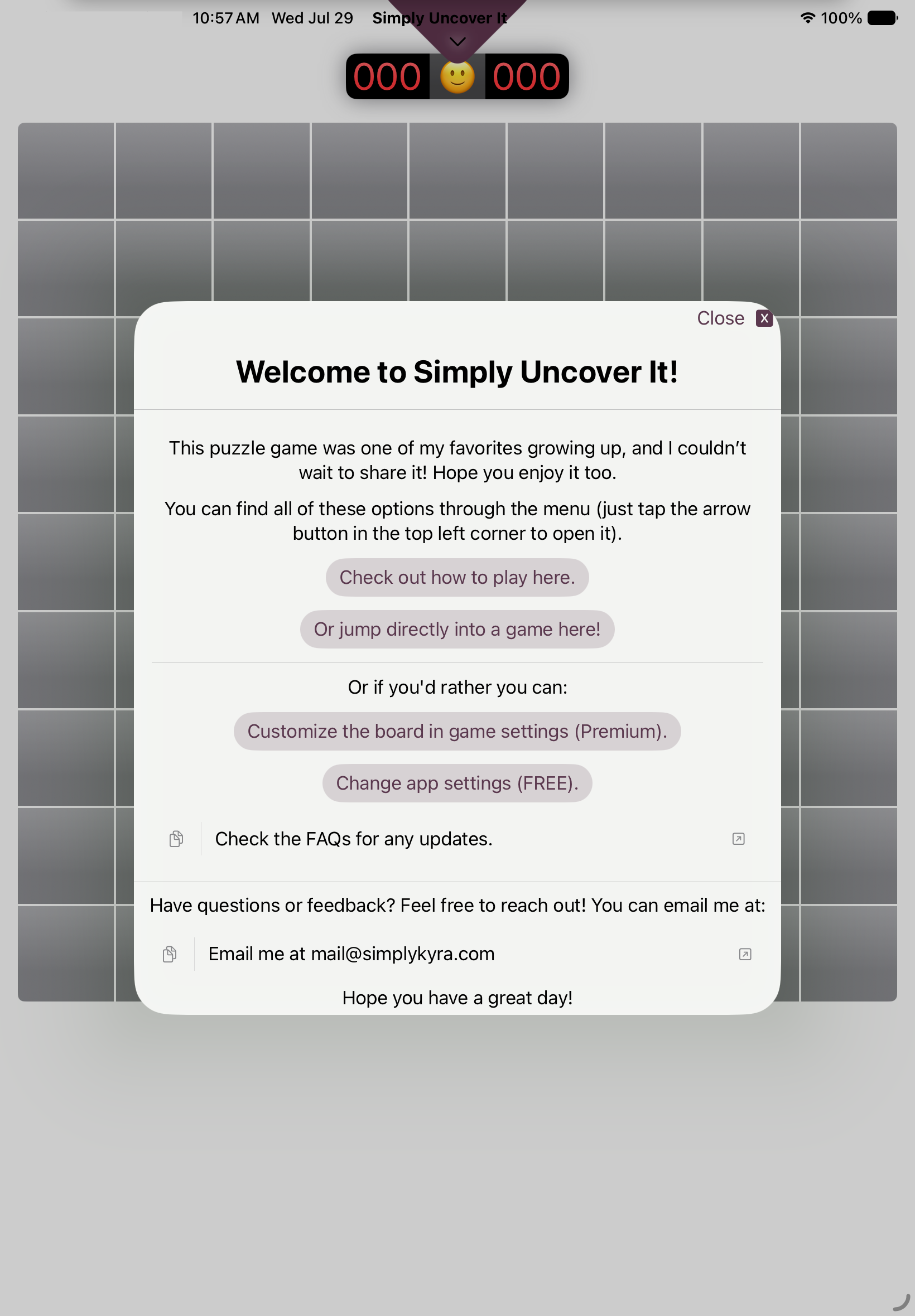
Images shown below are also available in the Press Kit download.
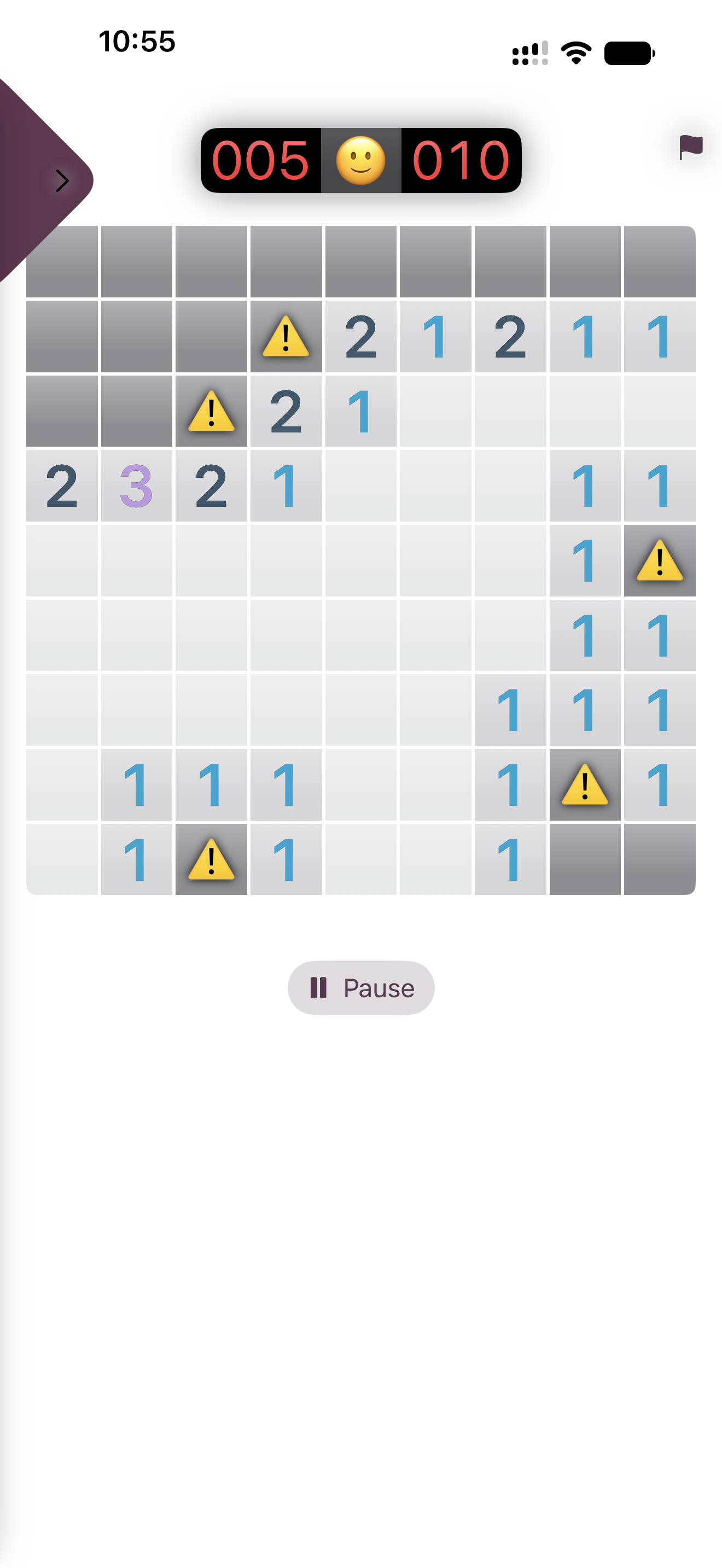
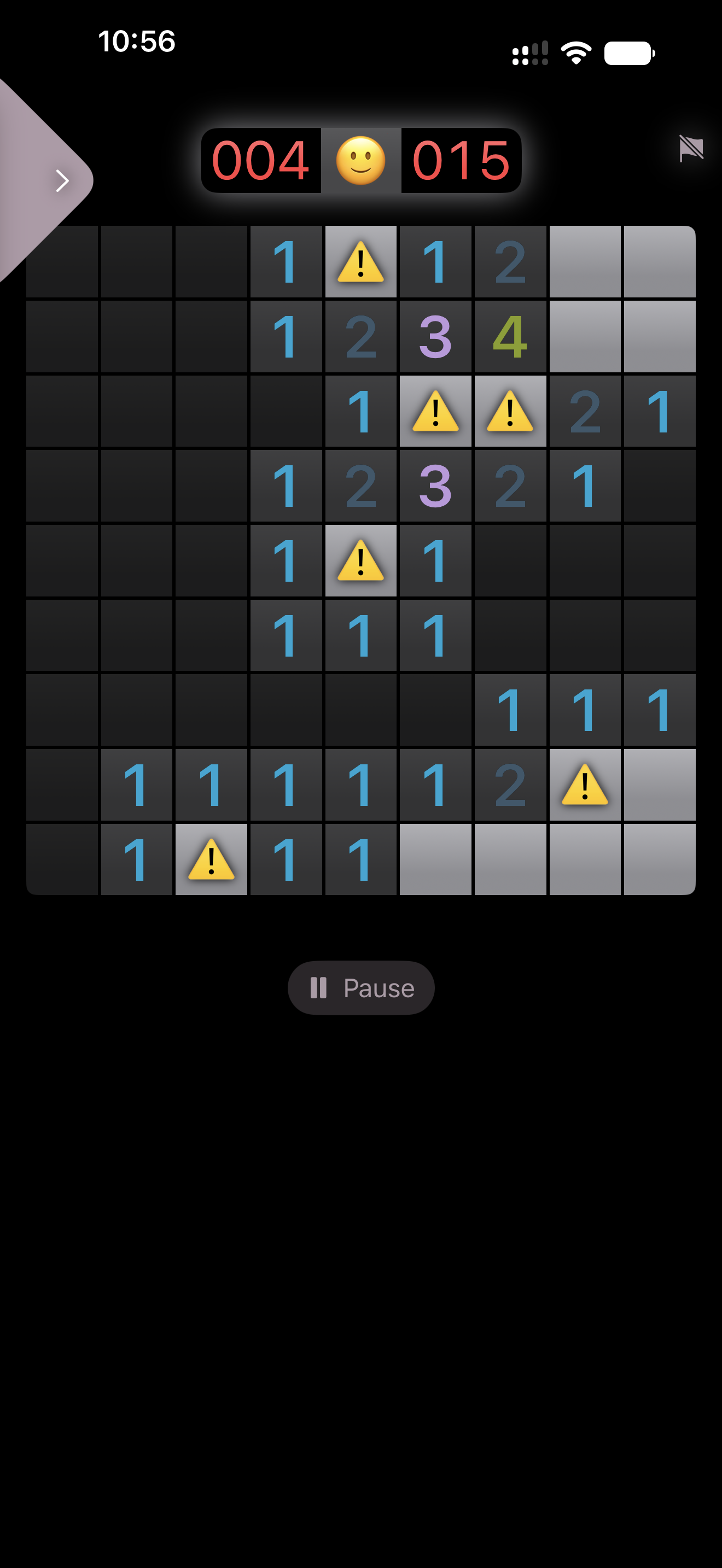
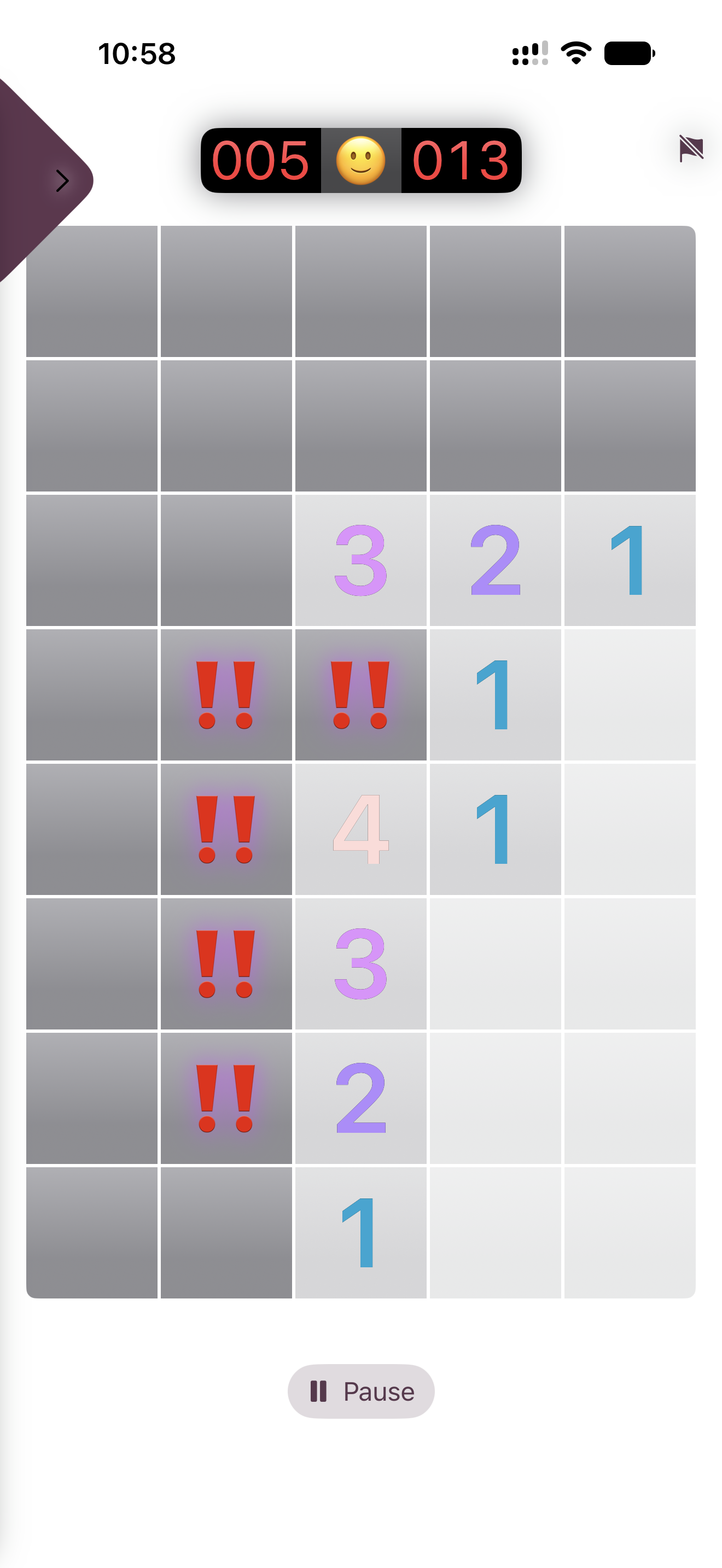
Download Press Kit
The images above along with a 1024×1024 app icon are included in this zip.
See More
Check out the recent updates.
About the Developer
Kyra is a solo indie developer at SimplyKyra LLC, building calm-tech Apple apps from the Pacific Northwest. She has a computing science background in bioinformatics, stepped away from Windows enterprise development to raise her daughters, and returned to building through blogging and app development. Her apps include Simply TBR, Simply Remember It, Simply Customize It, and two ad-free games, Simply Match It and Simply Uncover It.
Contact
Kyra Delaney - mail@simplykyra.com