Simply Customize It - Press Kit
Contact: Kyra Delaney - mail@simplykyra.com
Fact Sheet
- App: Simply Customize It
- What it is: A personalization tool for reMarkable tablets to import custom templates and screen images and sync them over SSH/SCP without ever touching a terminal.
- Price:
- Free to test device connection and access profile management and onboarding.
- All plans have free trial: 1 week for monthly or 1 month for annual.
- Templates Only ($1.99/month or $9.99/year): Import, edit, and sync custom templates.
- Screens Only ($1.99/month or $9.99/year): Manage and upload screen images.
- All Access ($2.99/month or $19.99/year): Full access to both templates and screens.
- Platforms: iPhone, iPad, and Mac · iOS 17.0 or later, macOS 14.0 or later
- Release date: May 2024 (iOS), macOS followed eight days later
- Developer: Kyra, SimplyKyra LLC, based in the Pacific Northwest
- App Store: https://apps.apple.com/us/app/simply-customize-it/id6443862161
- Website: https://www.simplykyra.com/simply-customize-it/
About Simply Customize It
Simply Customize It handles the technical side of personalizing a reMarkable tablet so the user doesn't have to. Templates and screen images sync over SSH/SCP, but the app hides all of it behind buttons so customization with no terminal, no command line, no fear of breaking the device.
Kyra built the app after a curiosity about changing her reMarkable's sleep screen turned into blog posts, SSH scripts, and eventually a full app. It spent nearly three years as a side project before its May 2024 release, and has been updated continuously since including day-one support for the reMarkable Paper Pro the October it came out and, more recently, the 1.4.0 update in July 2026 that added true one-tap recovery after firmware wipes.
Key Features
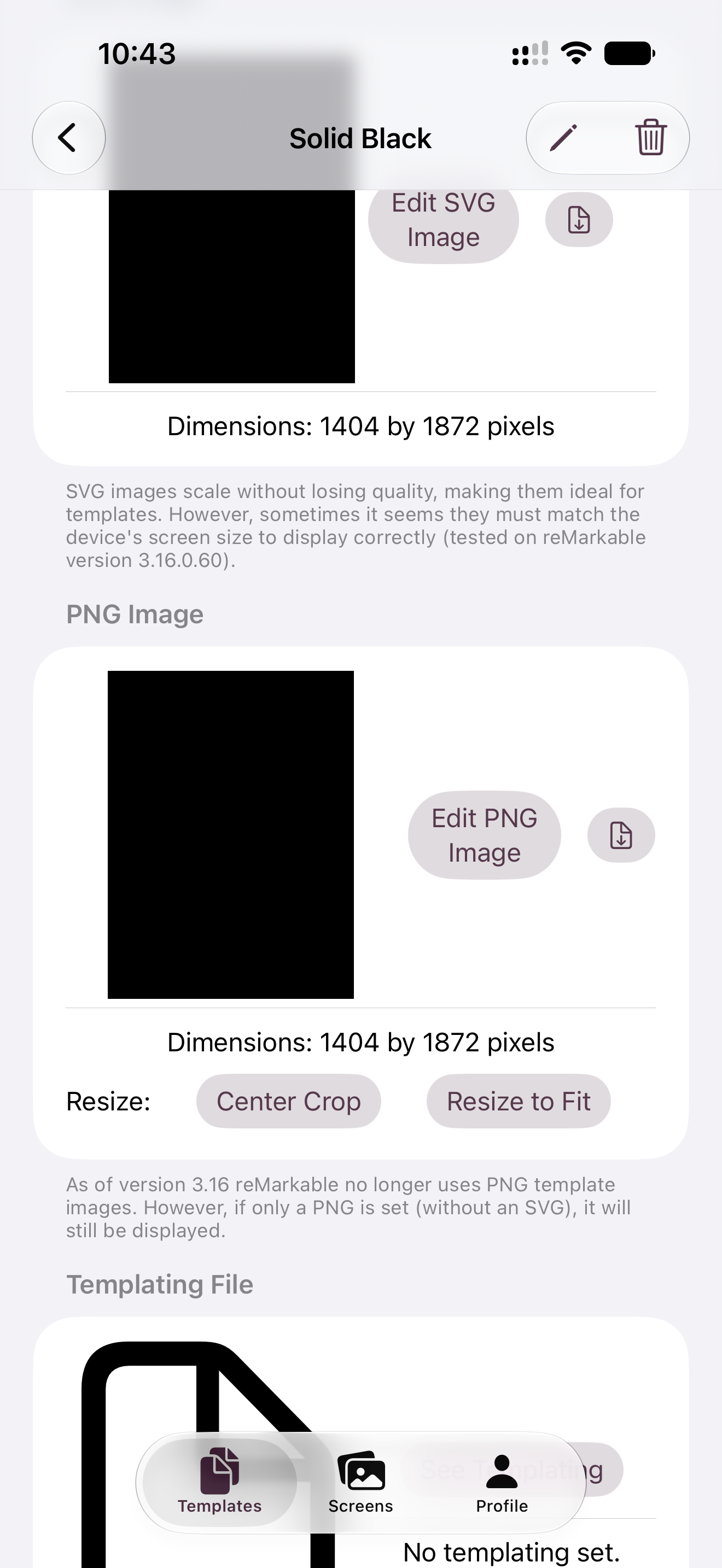
- Import, edit, and sync custom templates in
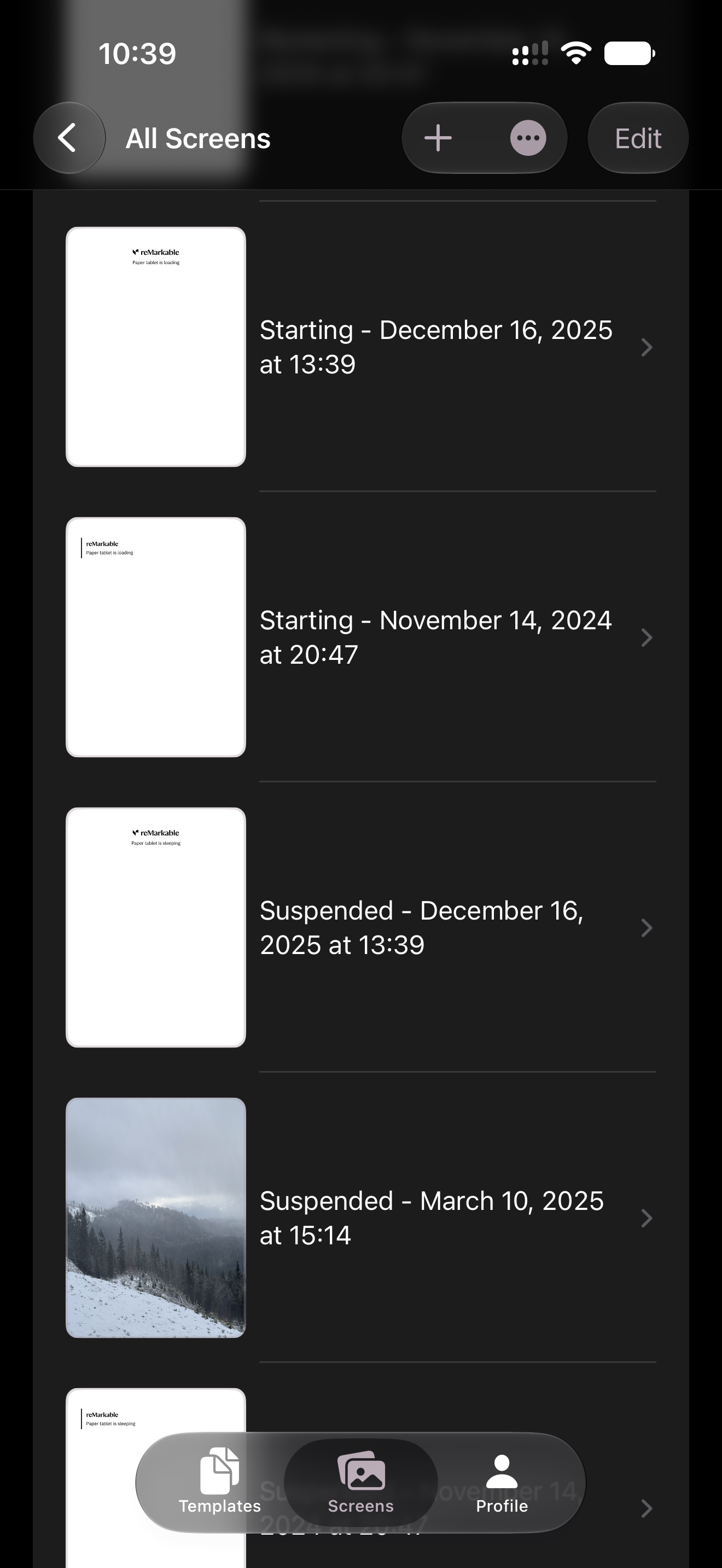
PNG,SVG, and native.templateformat, with filtering, sorting, grouping, and multi-select cleanup - Add screen images (including your sleep screen) individually or as a group for faster re-uploads
- Firmware-Ready storage keeps your customizations safe in the app, since reMarkable wipes its own file system on every update
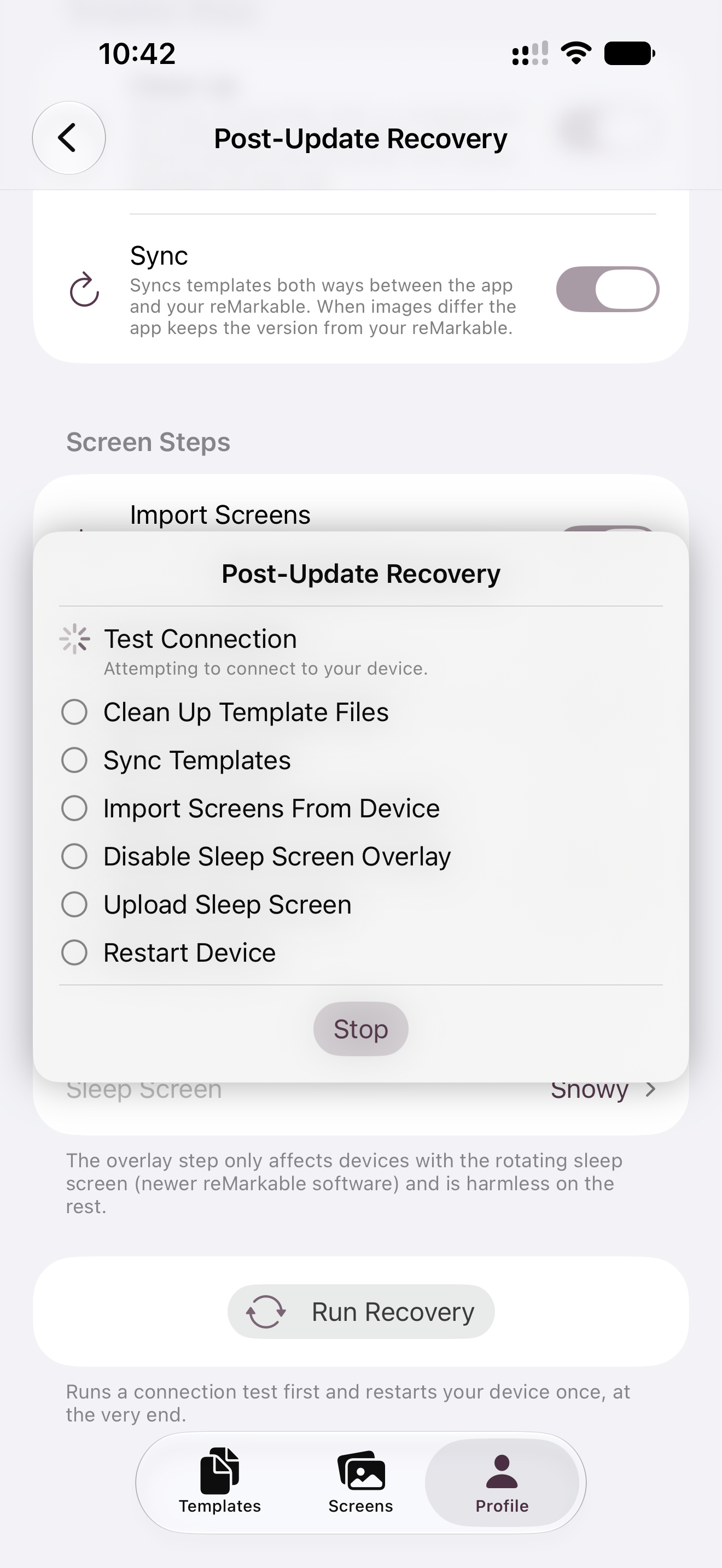
- One-Button Recovery: set up once per device, then clean up, sync, and restore everything a firmware update wipes with a single tap
- Manage multiple reMarkable devices with separate, isolated profiles
- Step-by-step onboarding walks you through connecting and syncing from the very start, including enabling Developer Mode on Paper Pro devices
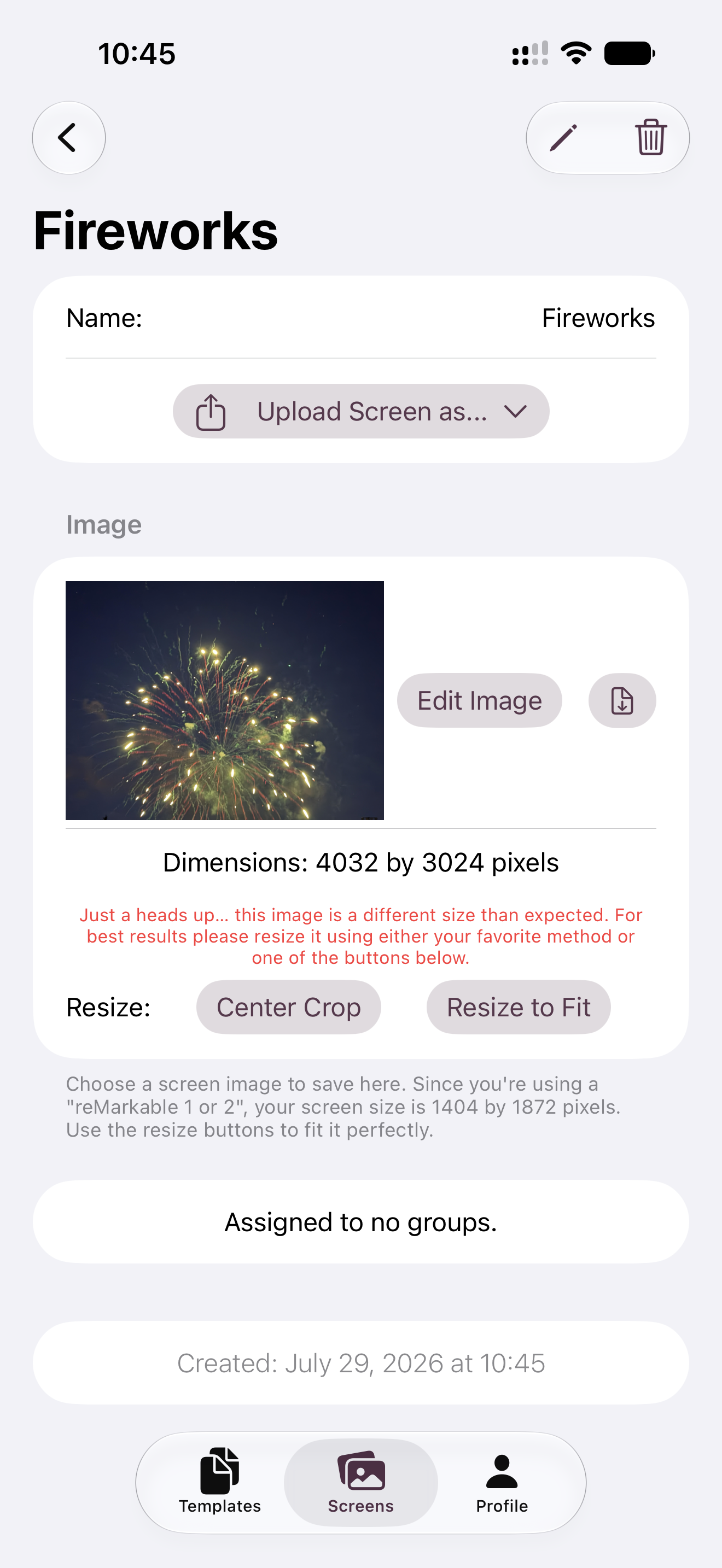
- Dimension warnings catch a mismatched template or screen image before it reaches your device
Images
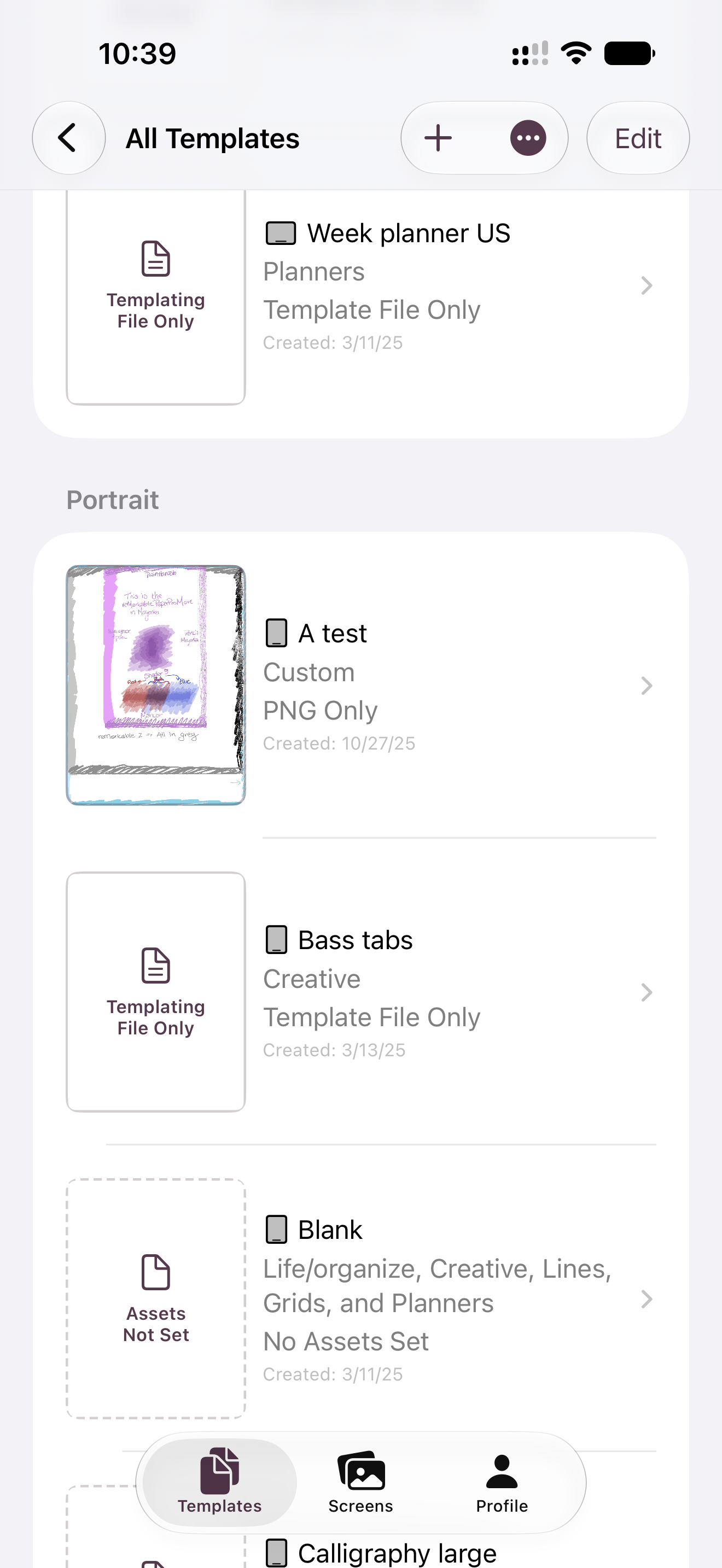
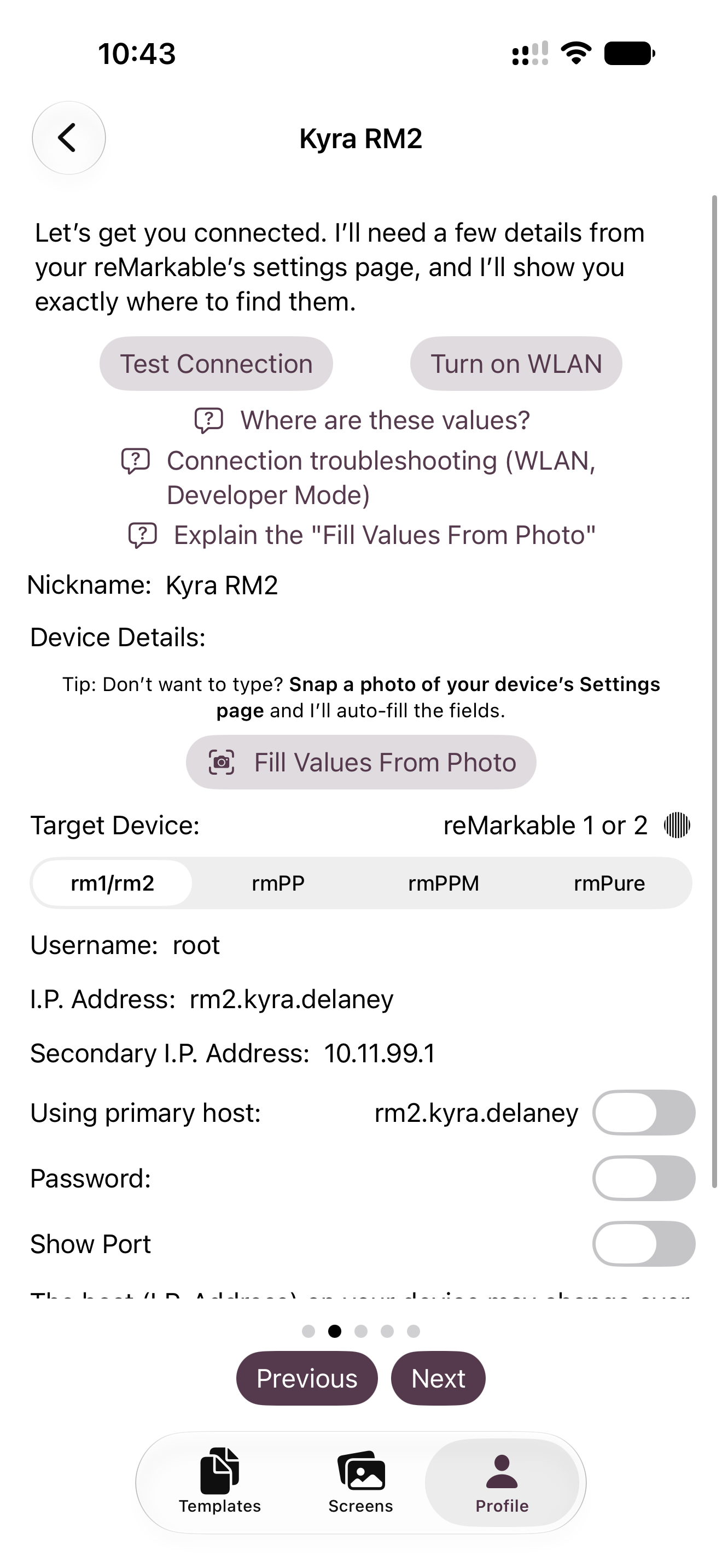
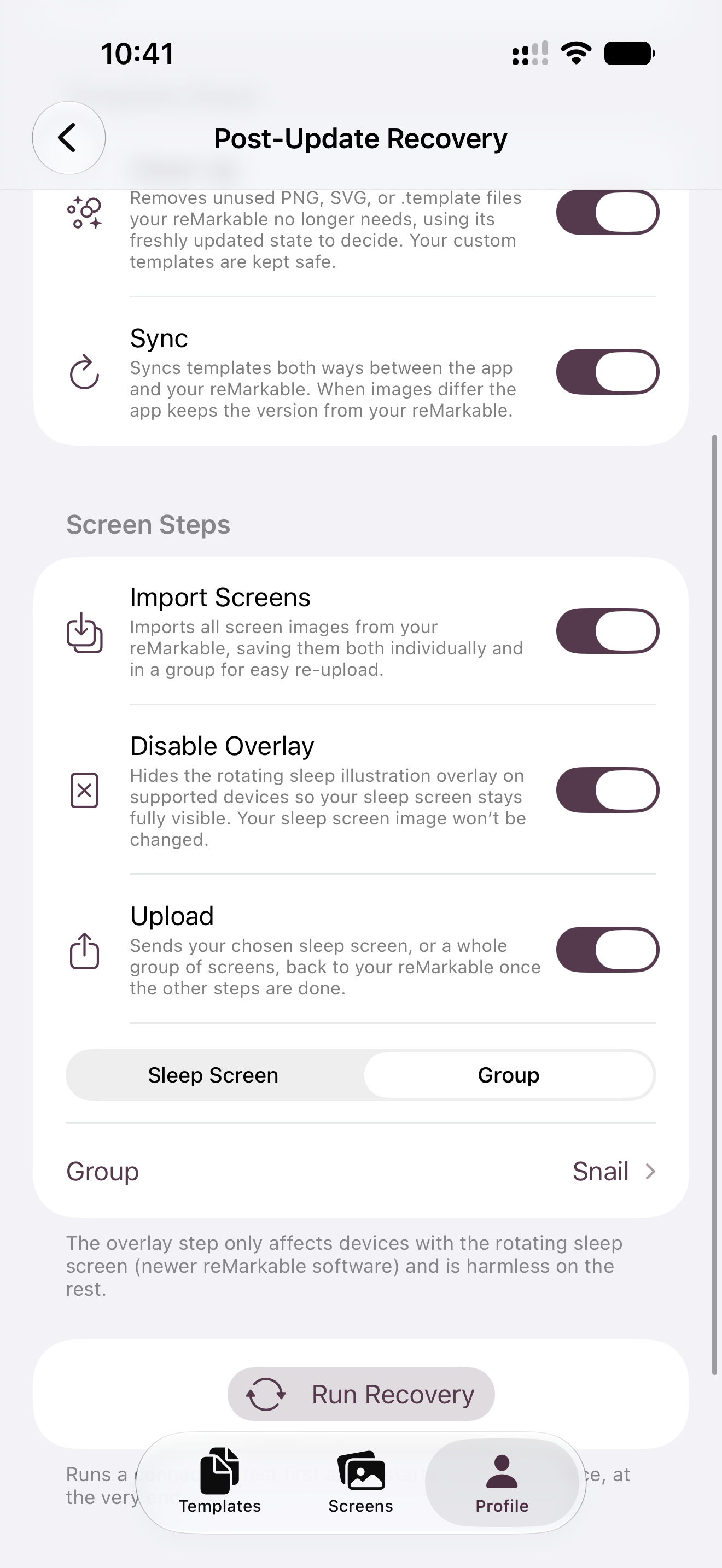
Images shown below are also available in the Press Kit download.
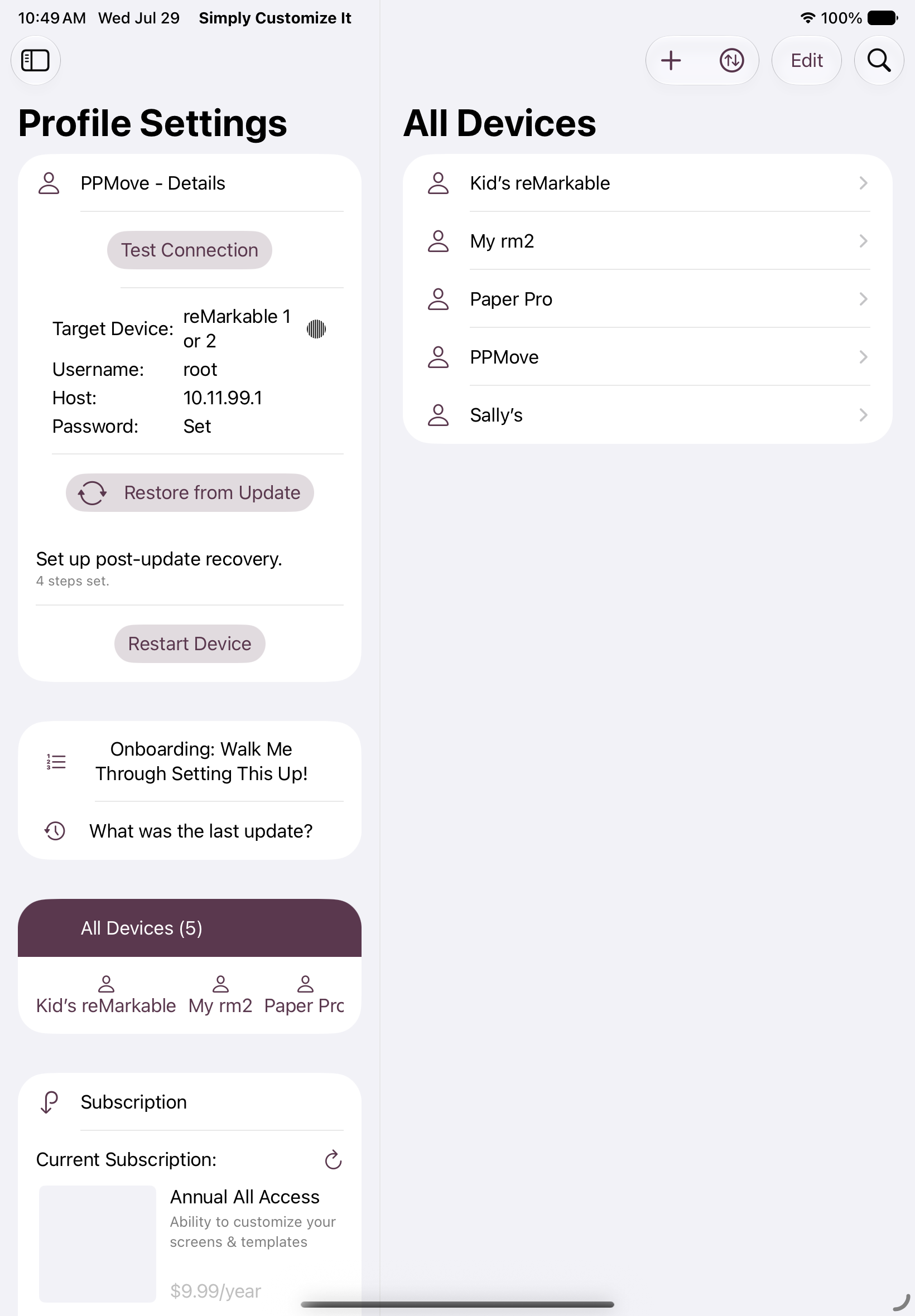
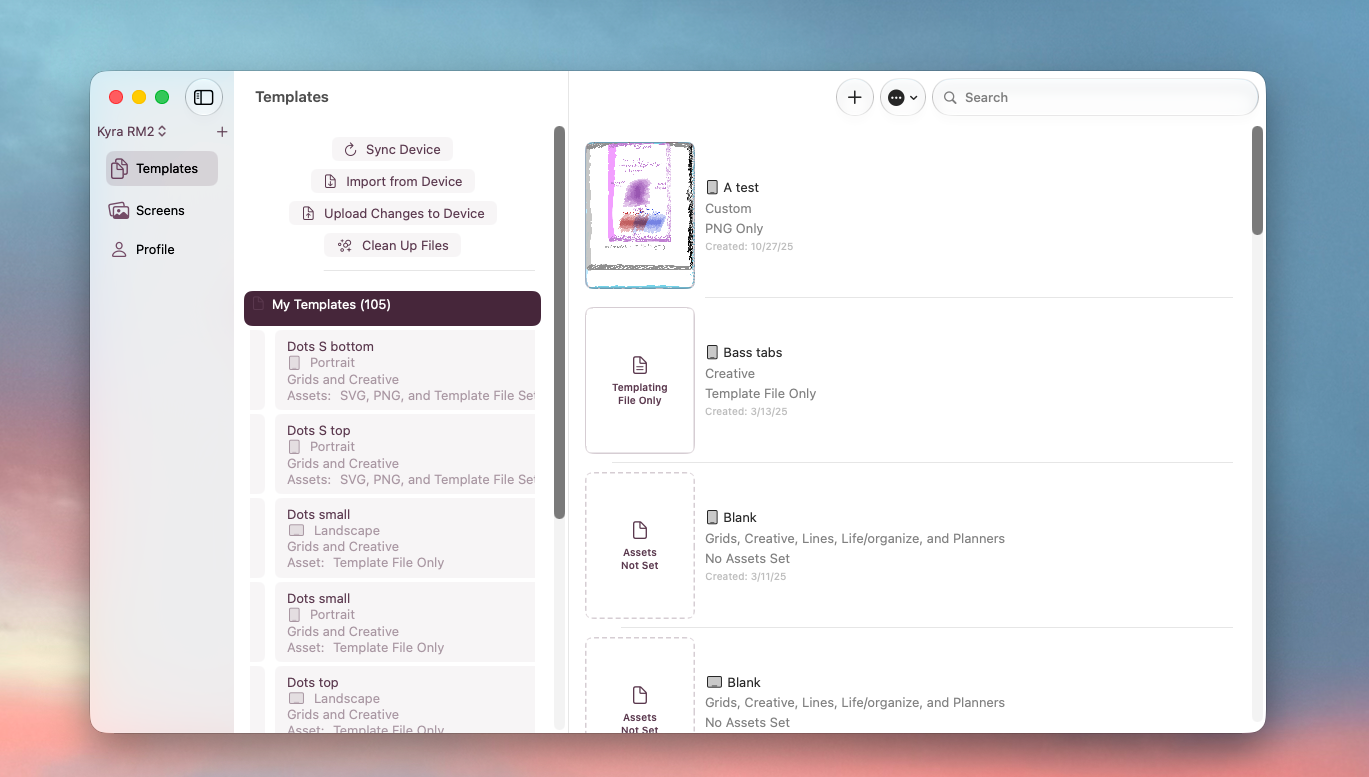
Download Press Kit
The images above along with a 1024×1024 app icon are included in this zip.
See More
See Simply Customize It in action with videos on YouTube. Or check out the recent updates.
About the Developer
Kyra is a solo indie developer at SimplyKyra LLC, building calm-tech Apple apps from the Pacific Northwest. She has a computing science background in bioinformatics, stepped away from Windows enterprise development to raise her daughters, and returned to building through blogging and app development. Her apps include Simply TBR, Simply Remember It, Simply Customize It, and two ad-free games.
Contact
Kyra Delaney - mail@simplykyra.com