Simply Remember It - Press Kit
Contact: Kyra Delaney - mail@simplykyra.com
Fact Sheet
- App: Simply Remember It
- What it is: A gentle recurring task tracker for the things that don't belong on a to-do list. It remembers when something last happened so you don't have to, and reschedules itself based on what you set and what you actually did... not just a fixed calendar.
- Price:
- Free (up to 8 tasks, 5 measurements per task, 80 logging events, Next Due + Streaks widgets).
- Unlimited removes the caps and adds the Charting tab and widget: $14.99/year or $2.99/month.
- Together adds shared task logging with another person: $24.99/year or $4.99/month.
- Platforms: iPhone, iPad, and Mac · iOS 17.0 or later, macOS 14.0 or later
- Release date: August 7, 2025
- Developer: Kyra, SimplyKyra LLC, based in the Pacific Northwest
- App Store: https://apps.apple.com/us/app/simply-remember-it/id6749085897
- Website: https://www.simplykyra.com/simply-remember-it/
About Simply Remember It
Simply Remember It is a calm-tech tracker for the things that fall outside a to-do list: a creatine habit, a kid's last doctor visit, when the furnace filter was changed, a symptom you're keeping an eye on. Free to start, with Unlimited and Together tiers for people whose list keeps growing, or who want to track it with someone else.
The idea came out of toddler parenting... jotting potty-training dates on the fridge, constantly losing track, re-doing the math in her head. Kyra built the app to hold that kind of quiet bookkeeping for her, and the need turned out to reach well past parenting: pet care, home maintenance, health tracking, hobbies, anything with a rhythm instead of a deadline.
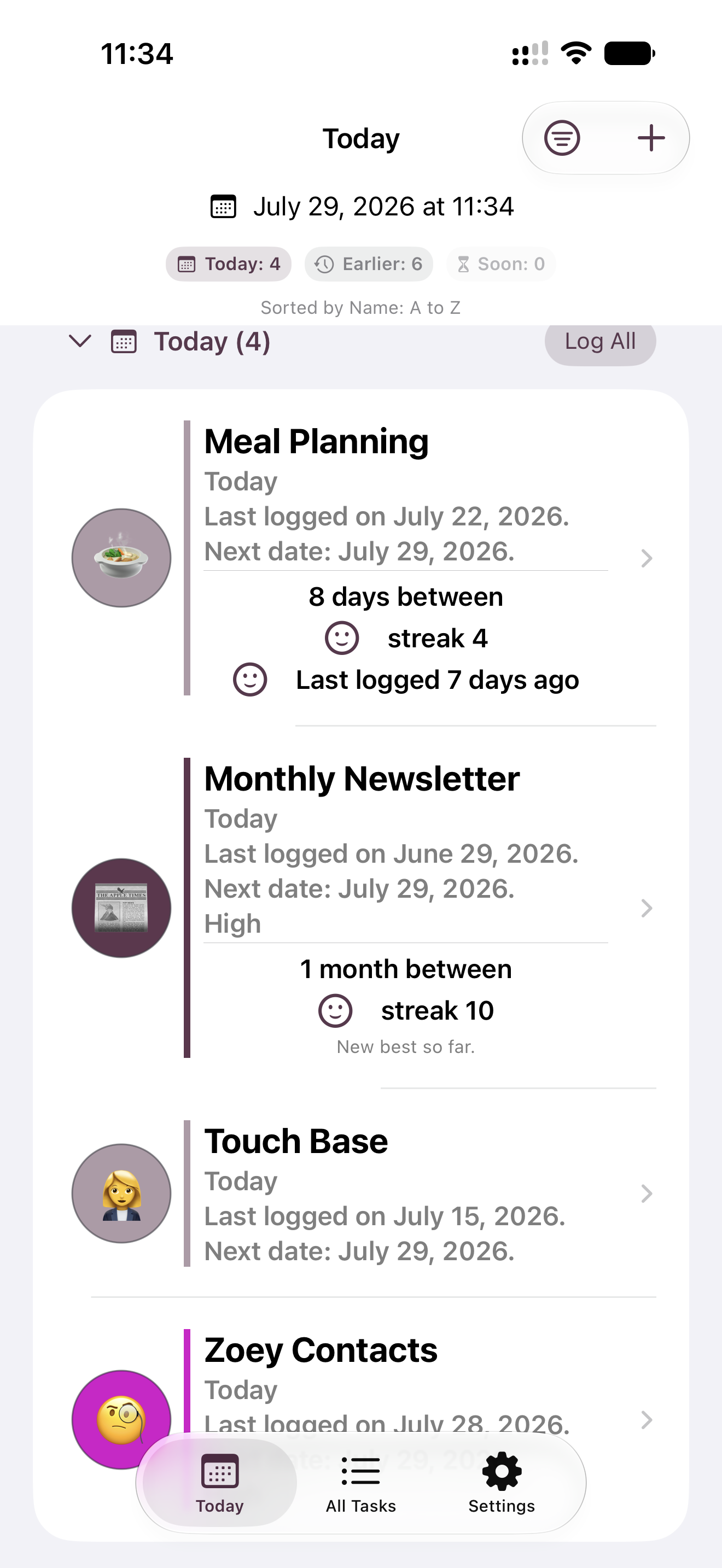
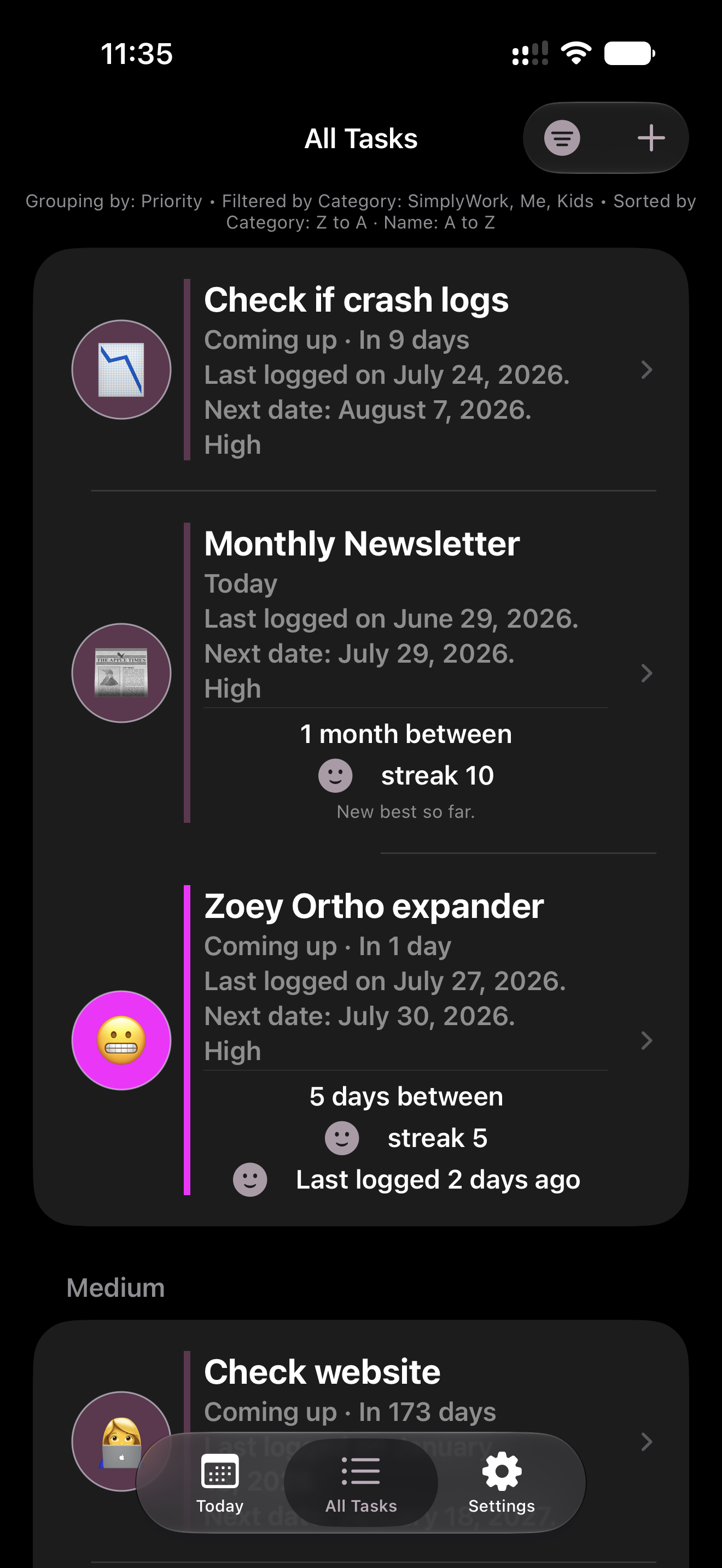
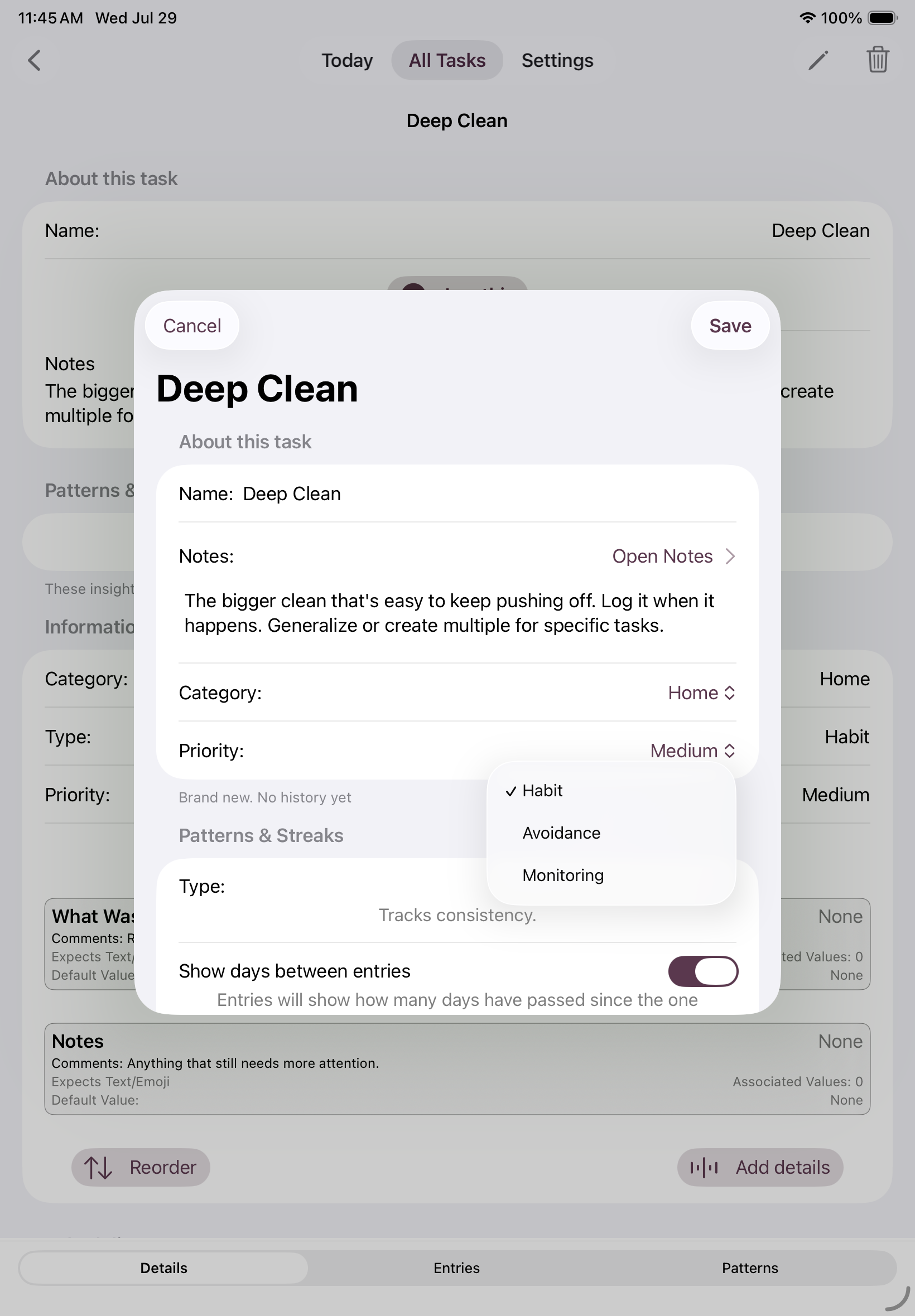
The app is built around one question: when did I last…? and then estimates when you'll want to do it again. That next, optional, due date is recalculated from the moment you actually log it... so missing a day, or doing something early, never throws the whole schedule off or triggers a guilt notification. Three task modes cover different shapes of tracking: Habit (things you do regularly, with grace built in), Avoidance (things you're trying to cut back on), and Monitoring (things you're just keeping an eye on, no streak pressure at all). There are no alarms, no punishing streak resets, and no red "you failed" states anywhere in the app.
Key Features
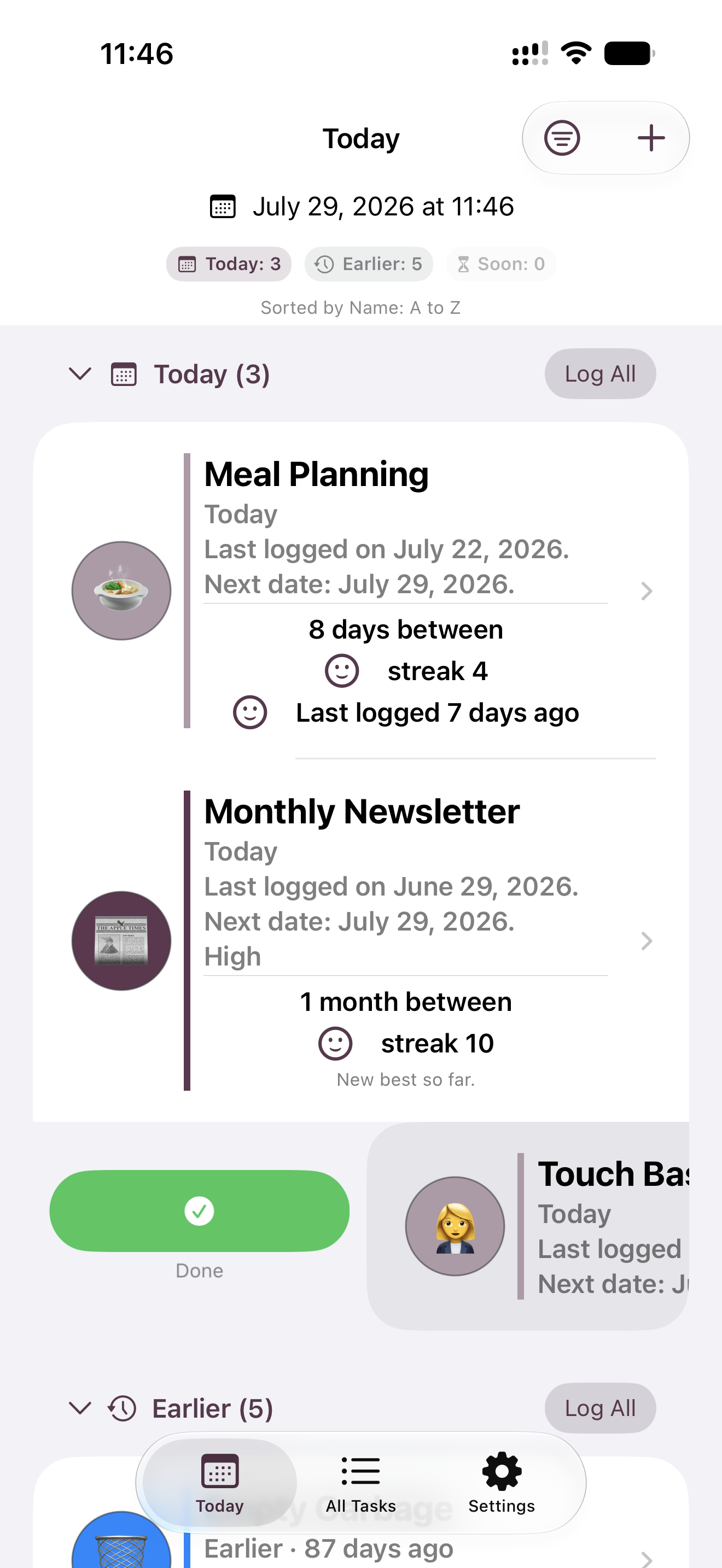
- Log something the moment it happens... no reminders required, no setup to maintain.
- Due dates (optional) recalculate from your actual completion date, not a fixed schedule.
- Three task modes (Habit, Avoidance, and Monitoring) for different kinds of things worth tracking.
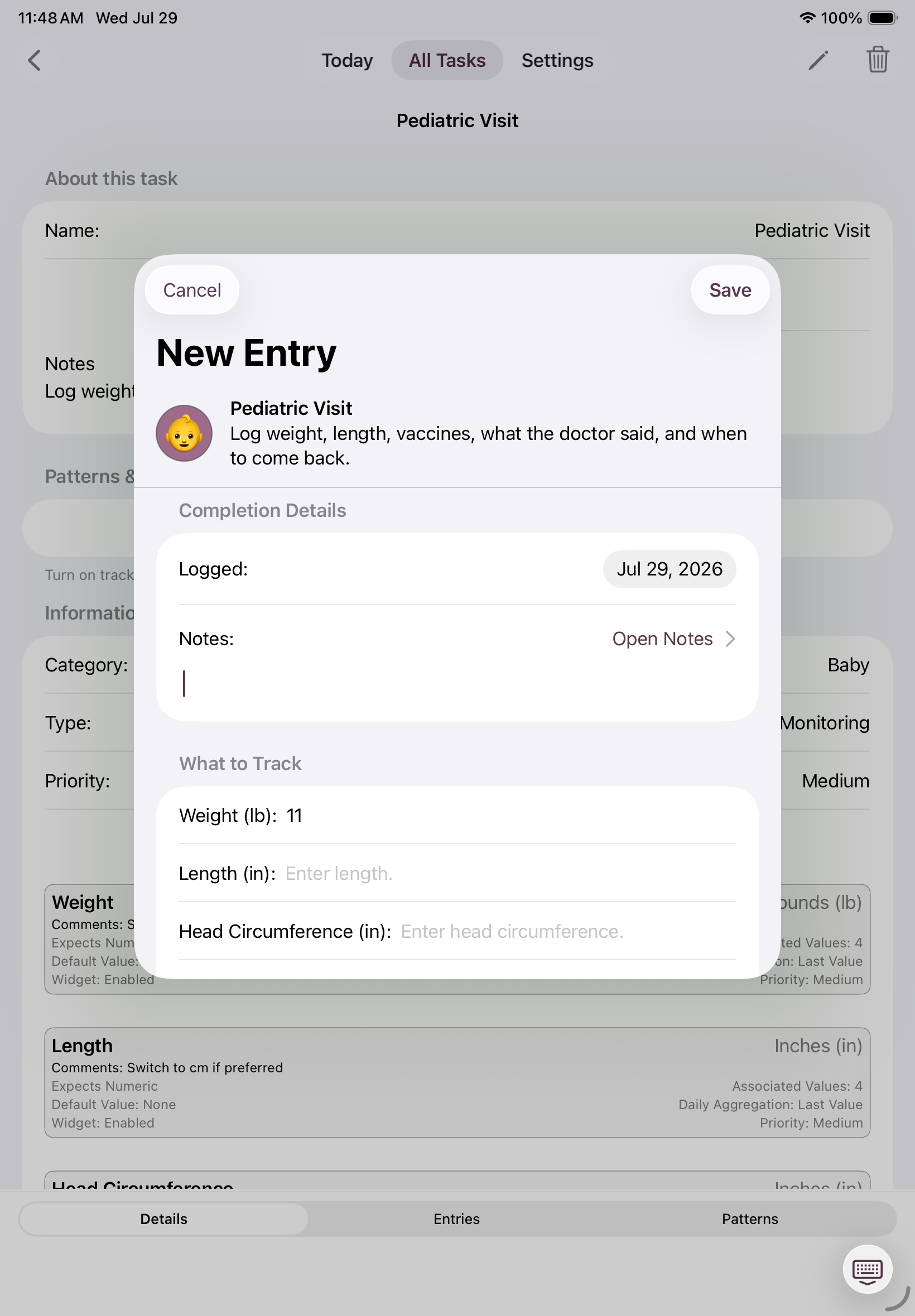
- Optional notes and measurements per entry: numbers, yes/no, or text.
- Heatmaps and charts show quiet patterns over time, with no judgment attached.
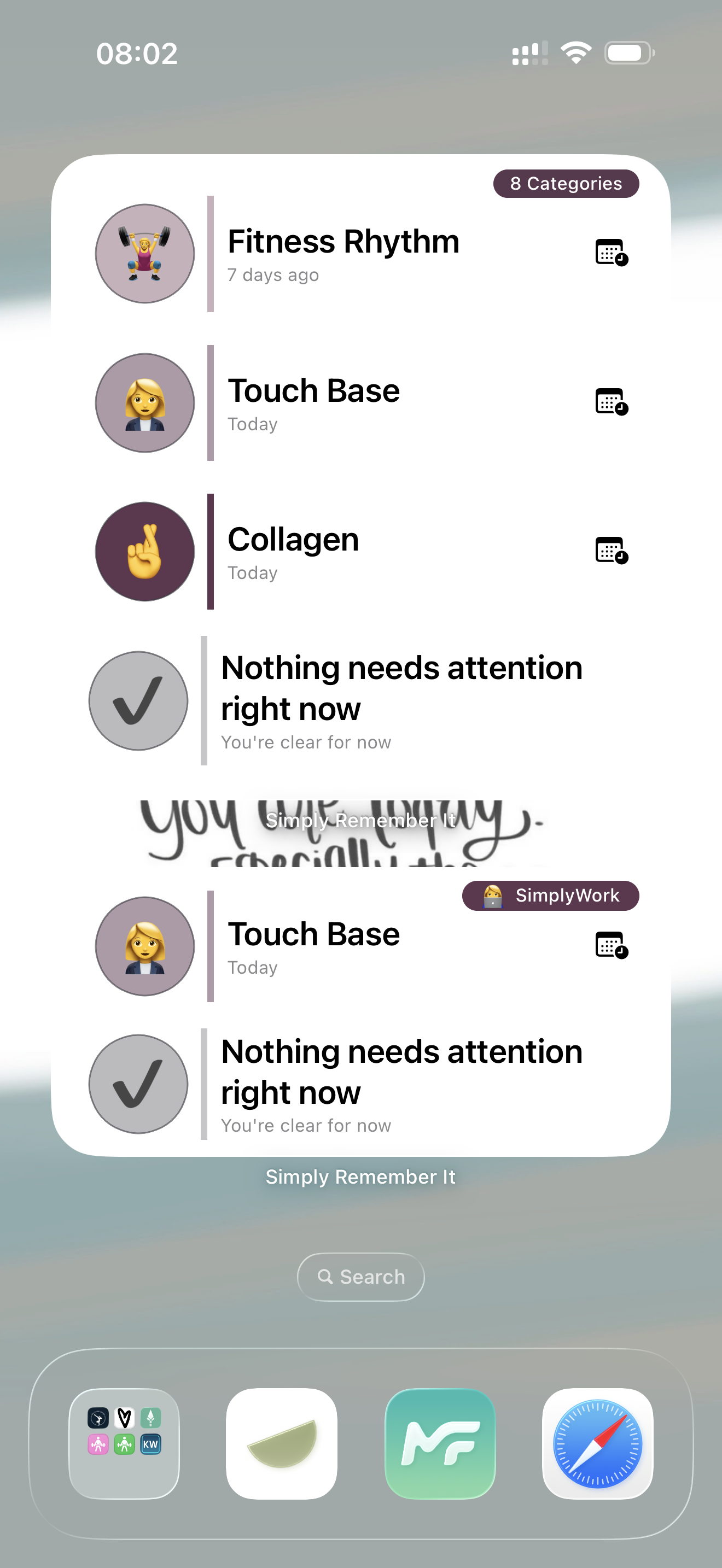
- Next Due and Streaks widgets for a glance from the home screen; Charting widget for Unlimited.
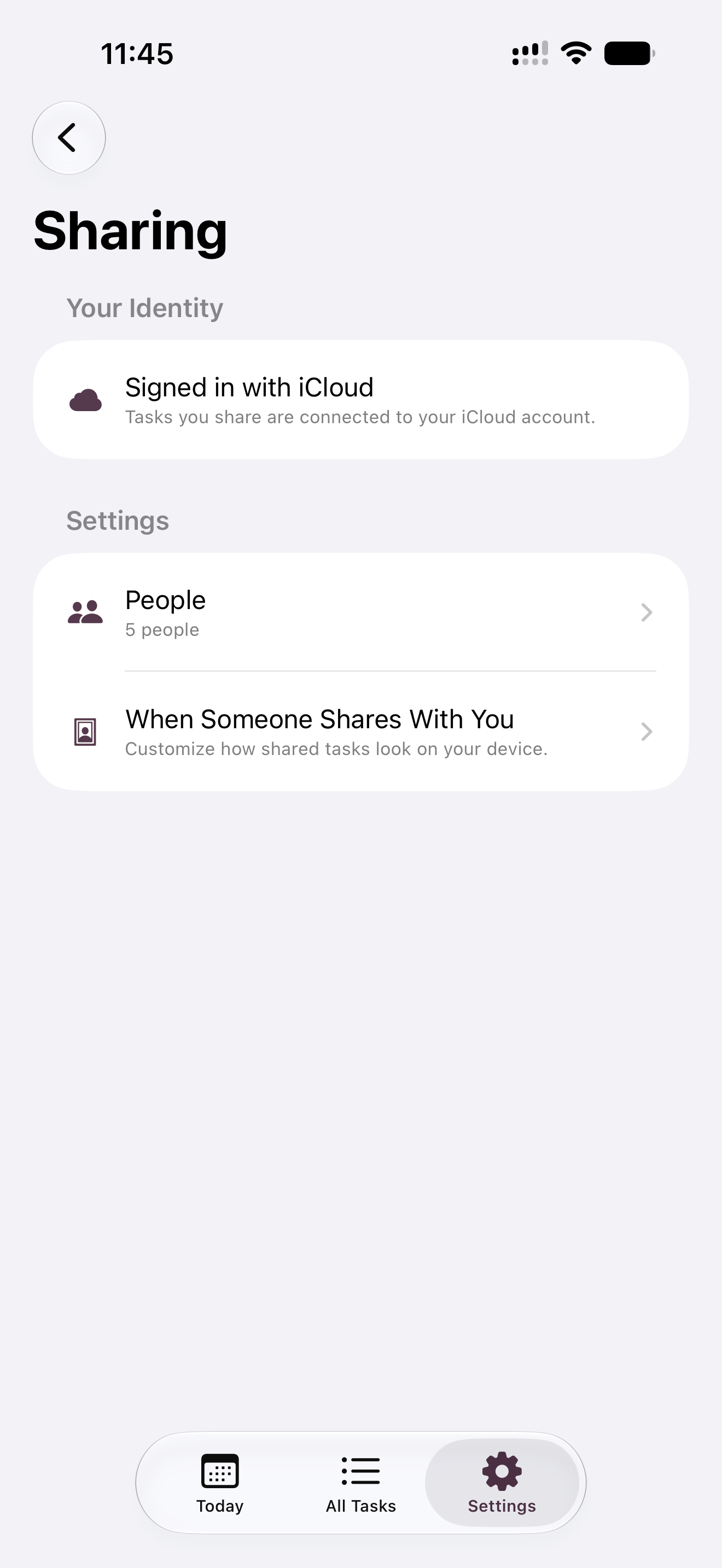
- Together tier lets you share and log tasks with another person.
- Private by design. All data stays local and syncs only through iCloud, with no analytics or tracking of any kind.
- Siri and Shortcuts support for quick logging by voice.
Images
Images shown below are also available in the Press Kit download.
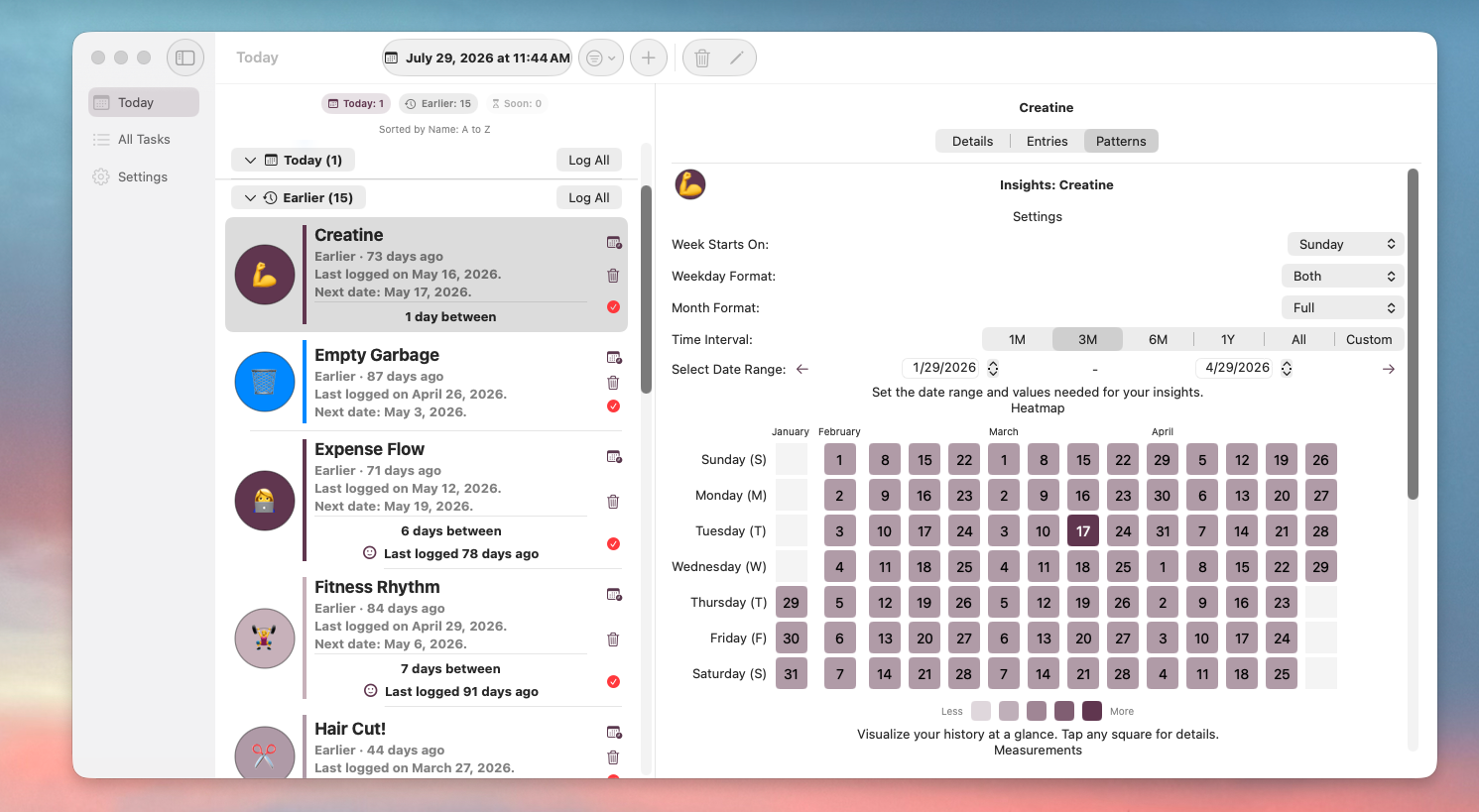
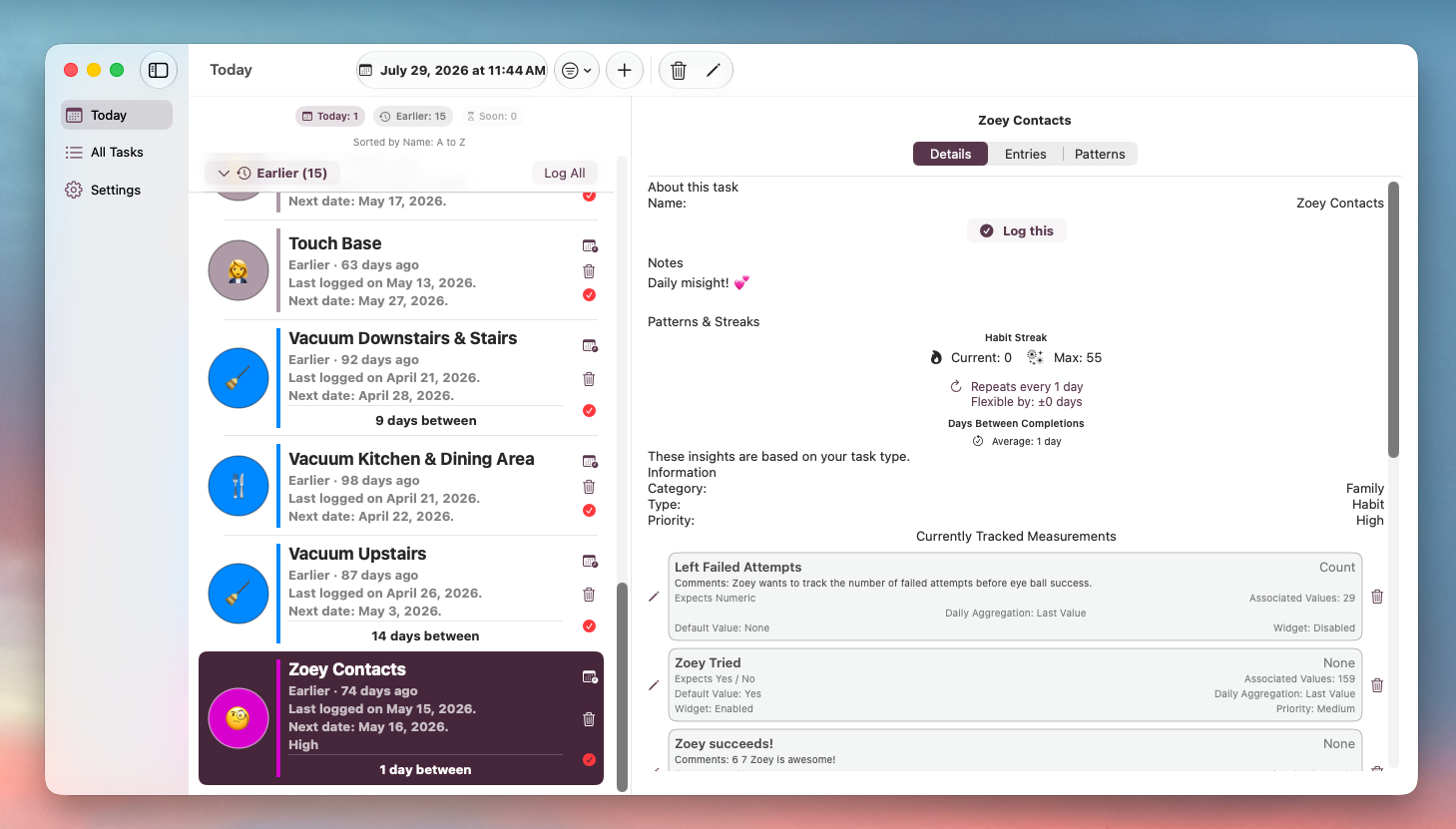
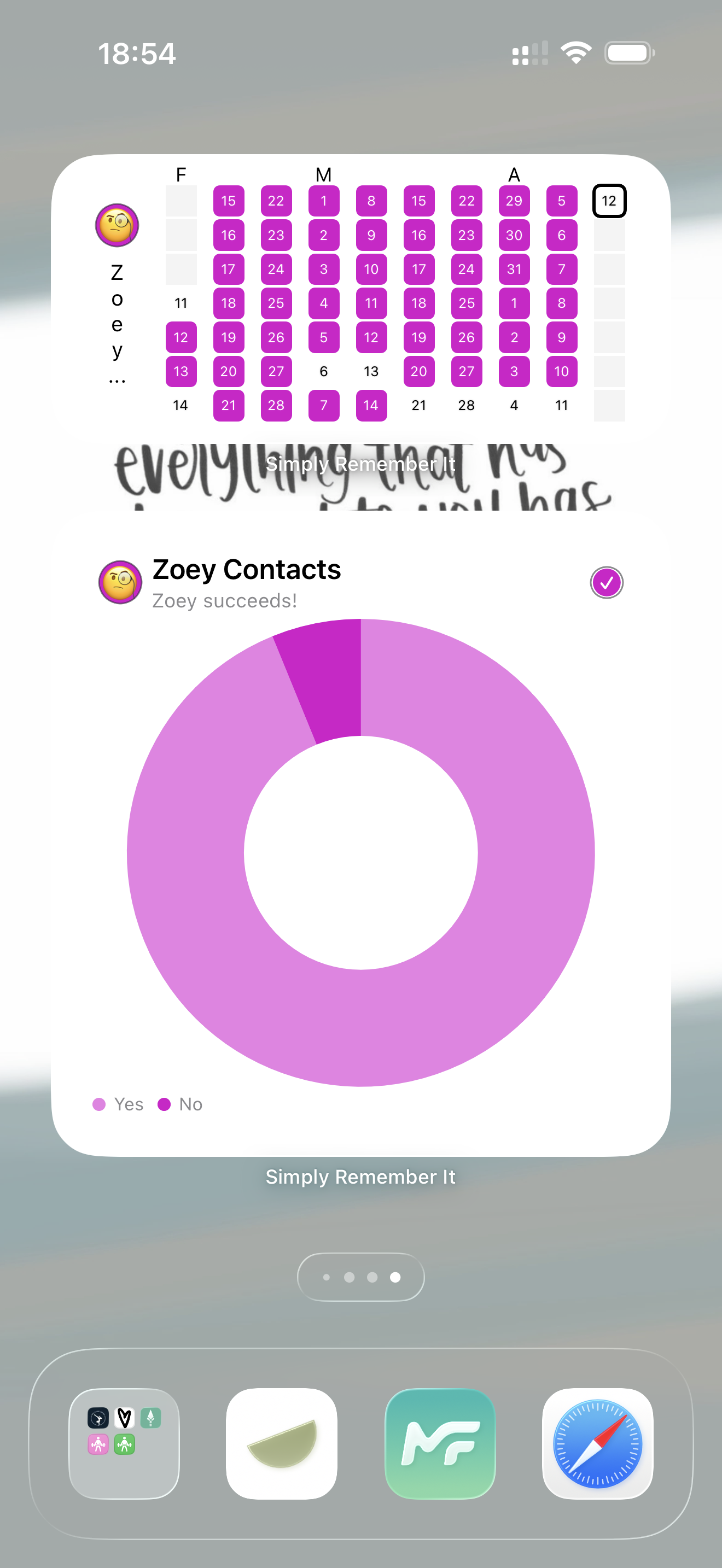
Download Press Kit
The images above along with a 1024×1024 app icon are included in this zip.
See More
See Simply Remember It in action with reels and videos on YouTube. Or check out the recent updates.
About the Developer
Kyra is a solo indie developer at SimplyKyra LLC, building calm-tech Apple apps from the Pacific Northwest. She has a computing science background in bioinformatics, stepped away from Windows enterprise development to raise her daughters, and returned to building through blogging and app development. Simply Remember It is her flagship app, alongside Simply TBR, Simply Customize It, and two ad-free games.
Contact
Kyra Delaney - mail@simplykyra.com